


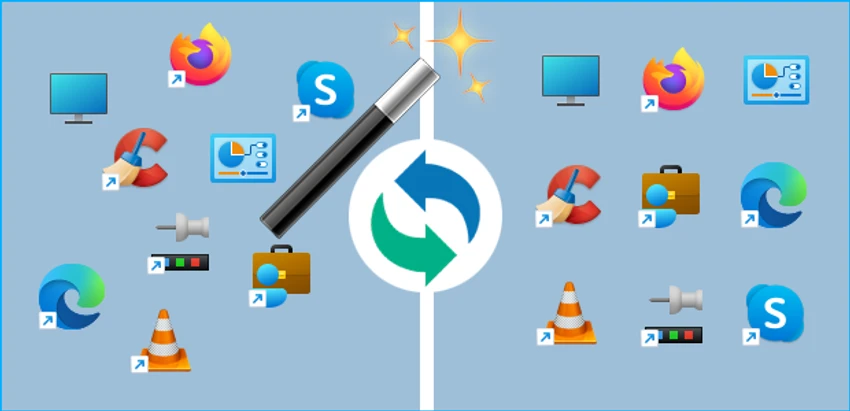

ReIcon is a lightweight Windows utility designed to solve a common desktop annoyance: misplaced icons after changing screen resolutions. Whether you switch resolutions for gaming, presentations, or specialized applications, ReIcon allows you to save your desktop icon arrangement and restore it instantly whenever needed. The software is portable, easy to use, and provides a convenient way to maintain a consistent desktop layout across different display configurations.
Features of ReIcon
- Save desktop icon layouts for different screen resolutions
- Restore saved icon layouts with a single click
- Store multiple desktop layout profiles
- Portable application with no installation required
- Unicode support
- Add Save and Restore options to the Windows right-click context menu
- Command-line (CMD) support
- Align icons to a grid for a cleaner desktop organization
- Quick restoration of desktop layouts after resolution changes
User Experience
During my experience with ReIcon, the software proved to be a straightforward and practical utility for maintaining desktop organization. Users who frequently switch between different display resolutions often encounter scrambled icon arrangements, requiring manual repositioning each time. ReIcon eliminates this repetitive task by allowing layouts to be saved and restored instantly. The interface is simple and focused on its core purpose. Creating a layout backup takes only a few moments, and restoring a saved arrangement is equally quick. The ability to save multiple layouts is especially useful for users who work with different monitors, display settings, or gaming configurations.
One of the most convenient features is the optional integration with the Windows context menu. This allows users to access save and restore functions directly from the desktop without launching the application separately. The portable design is another advantage, as the tool can be run without installation and carried on a USB drive if needed.
Who Should Use ReIcon?
- Gamers who switch between different screen resolutions
- Users working with multiple monitors
- Professionals using various display configurations
- Anyone frustrated by rearranged desktop icons
- Users seeking a lightweight and portable desktop management tool
Conclusion
ReIcon offers a simple yet highly practical solution for preserving desktop icon layouts on Windows. Its lightweight design, portable operation, and support for multiple saved configurations make it particularly useful for users who regularly change display settings.


