


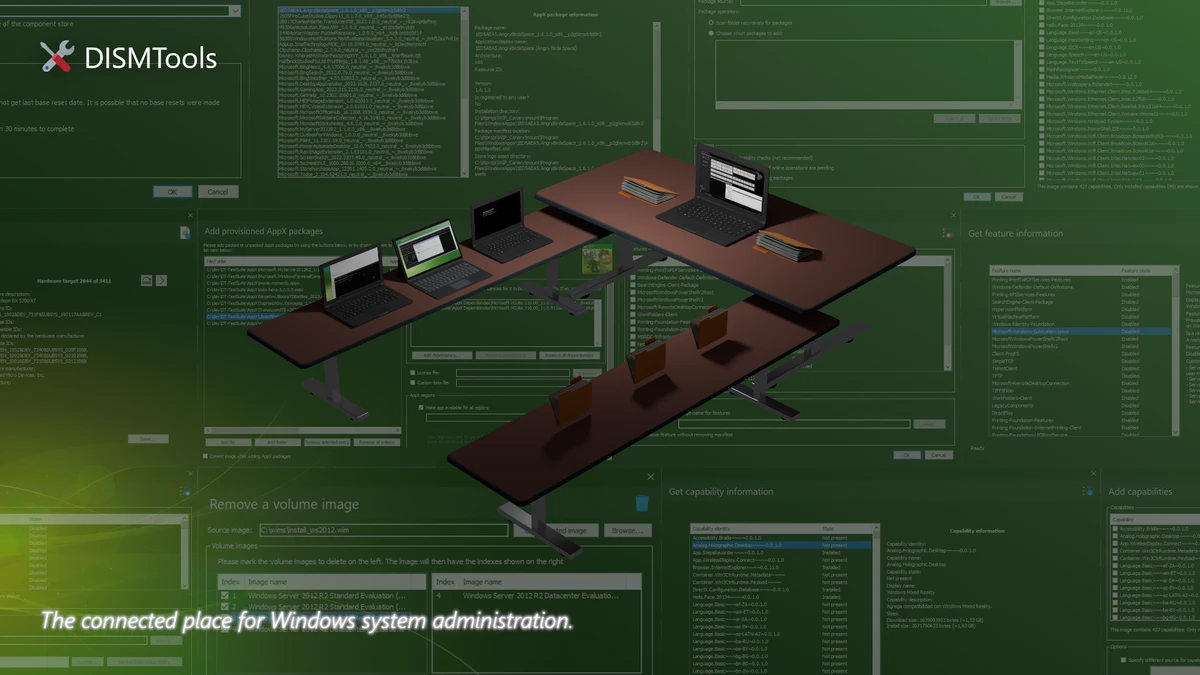

Managing Windows images and repairing system components with Microsoft's built-in DISM utility can be intimidating, especially for users unfamiliar with command-line tools. DISMTools solves this problem by providing a clean, graphical interface that makes many of DISM's advanced features far more accessible. Whether you're maintaining Windows installations, servicing WIM images, or repairing corrupted system files, DISMTools offers a more approachable way to work with Microsoft's powerful deployment technology.
As an open-source project, DISMTools focuses on simplifying complex Windows servicing tasks without removing the flexibility offered by DISM itself. From home users looking to repair Windows to IT professionals managing deployment images, the software provides an intuitive workflow while still exposing the underlying capabilities of the native Windows utility.
Overview
DISMTools is an open-source graphical interface built for the Windows Deployment Image Servicing and Management (DISM) utility. Instead of relying on lengthy command-line syntax, users can perform common servicing tasks through an organized graphical interface.
The software supports management of Windows image formats such as WIM, VHD, and VHDX while also helping users repair Windows installations, clean the component store, manage Windows features, and customize deployment images. By removing much of the complexity associated with DISM commands, DISMTools makes advanced Windows servicing more accessible to both beginners and experienced administrators.
Features of DISMTools
- User-friendly graphical interface for the Windows DISM utility
- Manage WIM, VHD, and VHDX image files
- Mount and unmount Windows images
- Export WIM images
- Add and manage Windows features
- Apply updates, packages, and drivers to Windows images
- Clean the Windows component store to reclaim disk space
- Repair corrupted Windows system components
- Restore Windows stability without requiring a complete operating system reinstall
- Customize Windows deployment images before installation
- Reduce command-line complexity and avoid syntax errors
- Open-source project with community-driven development and ongoing improvements
User Experience
Using DISMTools feels considerably more approachable than working directly with the native DISM command-line utility. Instead of remembering complex syntax or navigating lengthy documentation, I could access common servicing operations through clearly organized menus and buttons. Tasks such as mounting a Windows image or cleaning the component store are presented in a straightforward workflow, making the software easier to use without sacrificing the power of the underlying DISM engine. This is particularly useful when maintaining multiple Windows installations or preparing customized deployment images.
The repair functionality is another strong point. Rather than reinstalling Windows after encountering corrupted system files, DISMTools provides convenient access to DISM's repair capabilities. It allows damaged Windows components to be restored from a WIM image or the Windows component store, helping resolve stability issues while preserving the existing installation. The application is also valuable for routine system maintenance. Cleaning obsolete component store files can recover storage space, while image servicing features simplify deployment preparation for IT professionals.
Although the interface greatly reduces complexity, DISMTools remains a powerful administrative utility. Some features require elevated permissions, and certain functionality is still labeled as Beta. Users should create backups before making significant changes to Windows images or system components.
Overall Rating
Overall Rating: N/A
No official user rating or review count was provided with the available information, so an overall numerical score cannot be assigned.
Who Should Use DISMTools?
- Windows power users
- IT administrators
- System technicians
- Windows deployment specialists
- Users creating customized Windows installation images
- Anyone who prefers a graphical interface over command-line tools for Windows servicing
Conclusion
DISMTools successfully transforms one of Windows most powerful administrative utilities into a far more approachable application. By replacing complicated command-line operations with an intuitive graphical interface, it makes Windows image servicing, system repair, and deployment management significantly easier. The software remains faithful to the capabilities of Microsoft's DISM utility while reducing the learning curve for less experienced users. Support for WIM, VHD, and VHDX images, combined with system repair and component cleanup features, makes it a practical addition to any Windows maintenance toolkit.


