Minimal Firewall logo

Minimal Firewall 2.8.5

  • User Rating:
    ★★★★★
    ★★★★★
    0.0 ★ 0Votes
  • Requirements:
    Windows
  • Version: 2.8.5
  • Latest updated: 3 weeks ago
  • License: Freeware  
  • Publisher: Deminimis
  • Size: 2 MB
× app stores

Minimal Firewall is a lightweight Windows application designed to work alongside Windows Firewall, giving users greater control over outbound network connections.  I found that its primary focus is simplicity and privacy rather than replacing the built-in firewall. With Lockdown Mode enabled, all applications without existing Windows Firewall rules are blocked by default, allowing only trusted software to access the internet. The software also provides real-time connection alerts, quick rule creation, wildcard support for frequently updated applications, and management of UWP apps and Windows services. Since all rules and logs remain stored locally and the application contains no telemetry, it offers an appealing solution for privacy-conscious Windows users.

Features of Minimal Firewall

  • Lockdown Mode blocks all unknown network connections by default.
  • Real-time alerts when blocked applications attempt to connect.
  • Create permanent or temporary allow and block rules with a single click.
  • Wildcard rules for applications that update frequently.
  • Supports traditional desktop applications, UWP apps, and Windows services.
  • Light and dark interface themes.
  • No telemetry or internet connectivity from the application itself.
  • Stores all firewall rules and logs locally.
  • Works alongside Windows Firewall.
  • Compatible with Windows 10 and Windows 11.

Interface and Usability

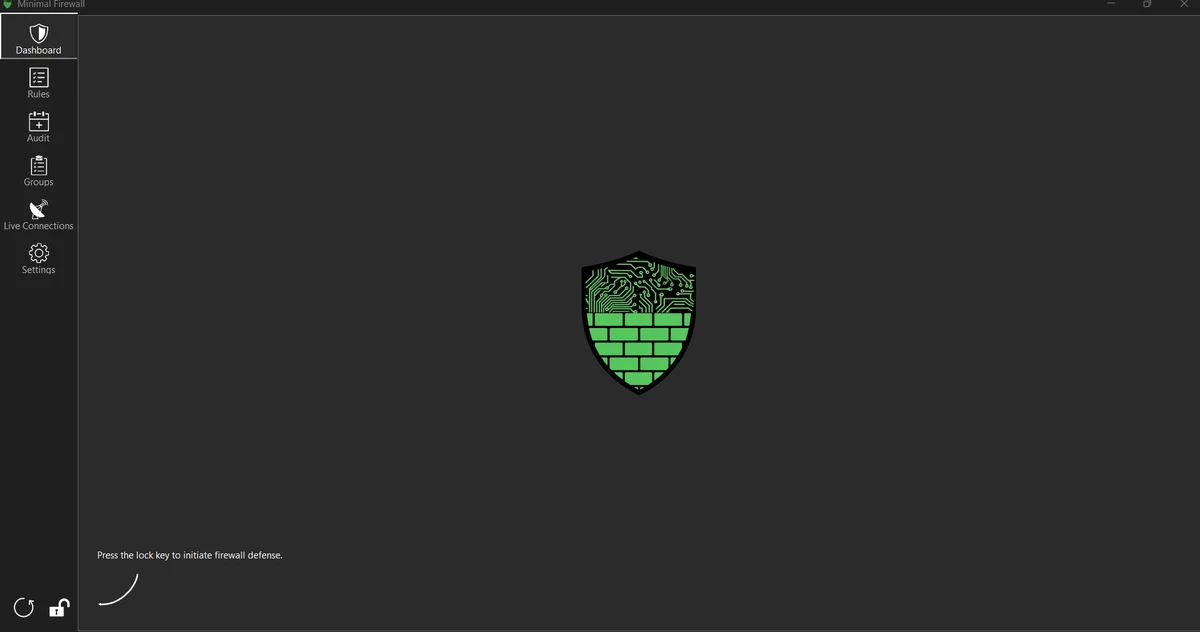
Minimal Firewall focuses on providing a straightforward interface that makes managing firewall rules more approachable than using Windows Firewall alone. While using the software, creating allow or block rules felt quick, especially when responding to real-time connection alerts. The notification options let users choose between popup alerts and quieter in-app notifications depending on their preferences. The inclusion of light and dark themes also makes the interface comfortable for extended use. Although Lockdown Mode may require creating rules for newly installed applications, the overall workflow remains easy to understand once the initial configuration is complete.

Who Should Use Minimal Firewall?

  • Privacy-conscious Windows users.
  • Users who want greater control over application network access.
  • Professionals who want to reduce telemetry and unnecessary outbound connections.
  • Advanced users who frequently manage firewall rules.
  • Anyone looking for a simpler interface for Windows Firewall management.

Conclusion

Minimal Firewall delivers a clean and practical way to manage Windows Firewall without adding unnecessary complexity. Its Lockdown Mode, real-time connection alerts, and simple rule management provide greater visibility into which applications can access the internet, while its privacy-focused design keeps all data stored locally and avoids telemetry. If you want more control over outbound network traffic without replacing Windows Firewall, Minimal Firewall is a solid choice worth considering.

Pros & Cons

✓

Pros

  • Blocks all unknown outbound connections by default with Lockdown Mode.
  • Provides real-time alerts when applications attempt to access the network.
  • Makes creating allow or block rules quick and straightforward.
  • Supports permanent and temporary firewall rules.
  • Wildcard rules simplify management for frequently updated applications.
  • Works with desktop applications, UWP apps, and Windows services.
  • Stores all rules and logs locally for improved privacy.
  • Contains no telemetry and does not connect to the internet itself.
  • Offers both light and dark interface themes.
  • Compatible with Windows 10 and Windows 11.
✕

Cons

  • Requires Windows Firewall to function rather than replacing it.
  • Lockdown Mode may require creating rules for many applications during initial setup.

Frequently Asked Questions

What is Minimal Firewall used for?

Minimal Firewall is a Windows application that works alongside Windows Firewall to block unknown outbound connections and help users create application-based firewall rules.

Does Minimal Firewall replace Windows Firewall?

No. Minimal Firewall is designed to work in conjunction with Windows Firewall. It adds an easier interface for managing firewall rules while relying on Windows Firewall for network filtering.

What is Lockdown Mode?

Lockdown Mode blocks all network connections from applications that do not already have Windows Firewall rules. Users can then choose which applications are allowed to access the network.

Can Minimal Firewall manage Microsoft Store apps?

Yes. The software supports creating and managing rules for UWP (Microsoft Store) applications as well as traditional desktop applications and Windows services.

Does Minimal Firewall collect user data?

According to the developer, Minimal Firewall contains no telemetry, does not connect to the internet itself, and stores all rules and logs locally on the user's computer.

What operating systems does Minimal Firewall support?

Minimal Firewall supports Windows 10 and Windows 11.

Recommended apps [Freeware]:
  • ManicTime 2026.2.0.3 ManicTime logo Automatically track work hours, monitor productivity, and generate accurate reports with ManicTime
  • Video Repair Tool 5.0.4.5 Video Repair Tool logo repair corrupted, broken, or unplayable video files on Windows and Mac with simple recovery workflows.
  • Scriptboxie 2.0.1.4 Scriptboxie logo automate repetitive Windows tasks by recording actions and creating scripts without coding
  • Total Commander Ultima Prime 9.4 Total Commander Ultima Prime logo enhanced file manager package with plugins and tools for advanced file and system management on Windows.
  • v2rayN 7.23.3 v2rayN logo Manage secure proxy connections with advanced routing, encryption, and protocol support for flexible private browsing.
  • Sandboxie 5.73.0 Sandboxie logo Protect your system by running applications in an isolated environment that prevents unwanted changes while keeping full functionality.
Recommended apps [Shareware]:
  • Centurion Setup 51.0 Centurion Setup logo Windows installer builder that creates compressed, self-contained executables with multilingual support
  • MathType 7.11.1.462 MathType logo a powerful equation editor for creating mathematical formulas in Word, LaTeX, and more
  • Ableton Live 12.4.2 Ableton Live logo a professional DAW for music production, MIDI editing, recording, and live performance
  • Take Command 36.50.70 Take Command logo a Windows CMD replacement with tabbed console, scripting IDE, and advanced batch tools.
  • Vehicle Manager 4.10.2000.1 Vehicle Manager logo tracks vehicle maintenance, expenses, fuel usage, parts, and fleet data
  • Rambox 2.7.0 Rambox logo Manage multiple email and messaging services in one open-source app with notifications, customization, and easy account access.