


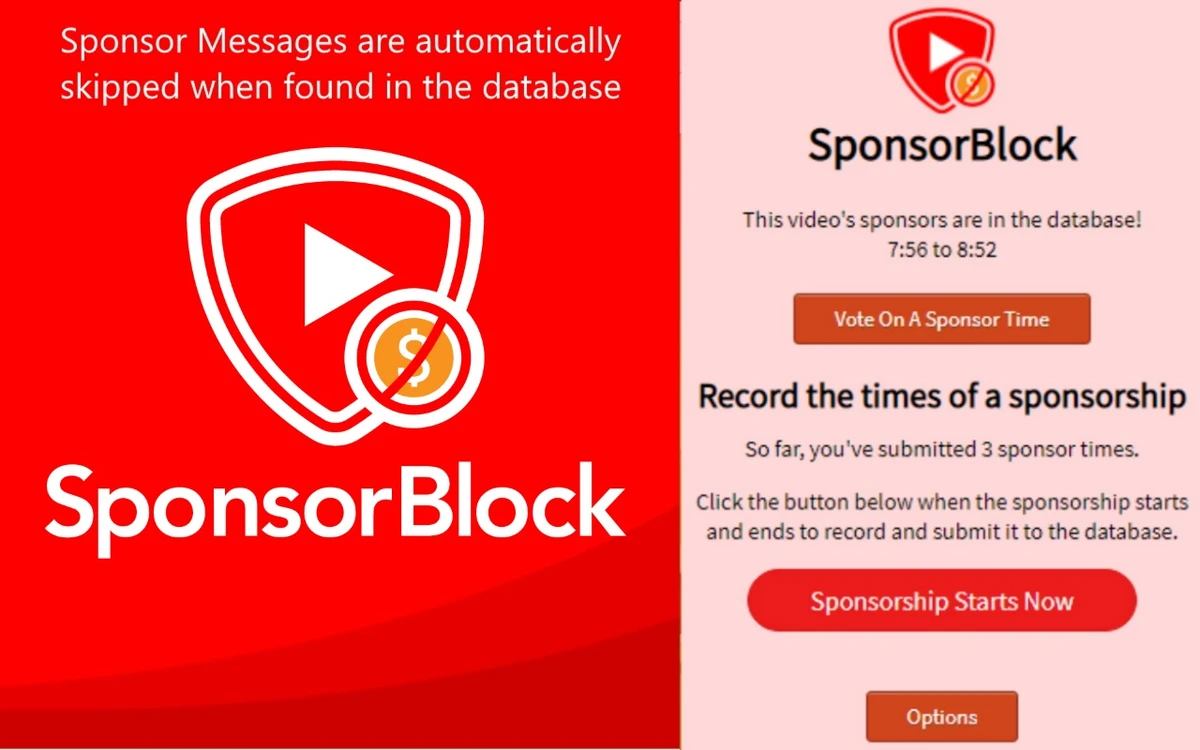

SponsorBlock is a free, crowdsourced browser extension designed to improve the YouTube viewing experience by automatically skipping sponsored segments within videos. It works on major browsers including Chrome, Firefox, Edge, and Opera. Instead of manually fast-forwarding through sponsored content, SponsorBlock uses a community-maintained database to detect and skip these sections automatically. This helps reduce time spent on repetitive or promotional segments while watching videos.
Key Features of SponsorBlock
- Automatically skips sponsored segments in YouTube videos.
- Uses a crowdsourced database of user-submitted sponsor timestamps.
- Allows skipping of multiple segment types:
- Sponsorships and ads
- Intros and outros
- Subscription reminders
- Non-music sections in music videos
- Customizable skipping preferences.
- Option to manually submit new sponsor segments.
- Works across major browsers:
- Google Chrome
- Mozilla Firefox
- Microsoft Edge
- Opera
- Lightweight browser extension with minimal performance impact.
- Whitelisting option for favorite channels.
User Experience
SponsorBlock integrates directly into YouTube’s interface, making it seamless to use once installed. Sponsored segments are automatically detected and skipped without requiring user interaction, creating a smoother and more efficient viewing experience. Users also have full control over what types of segments are skipped. For example, some users may choose to skip only sponsorships while still watching intros or outros.
Because it is crowdsourced, its effectiveness improves over time as more users contribute timestamps. However, accuracy can vary depending on how active the community is for specific channels or videos.
Who Should Use SponsorBlock?
- Frequent YouTube viewers.
- Users who want to skip sponsored content automatically.
- People watching long videos or tutorials.
- Productivity-focused users minimizing distractions.
- Viewers comfortable with community-driven tools.
Conclusion
SponsorBlock is one of the most useful browser extensions for YouTube users who want a cleaner and faster viewing experience. By automatically skipping sponsored segments and other non-essential parts of videos, it significantly reduces wasted time.


