Mullvad Browser logo

Mullvad Browser 15.0.18

  • User Rating:
    ★★★★★
    ★★★★★
    0.0 ★ 0Votes
  • Requirements:
    Windows
  • Version: 15.0.18
  • Latest updated: 1 week ago
  • License: Freeware  
  • Publisher: Mullvad
  • Size: 92 MB
× app stores

Mullvad Browser is a privacy-focused web browser built on Firefox and developed to reduce online tracking while maintaining a familiar browsing experience. Instead of emphasizing speed or customization, the browser prioritizes user privacy by incorporating advanced anti-fingerprinting technologies based on the work of the Tor Project. This approach helps make users appear more uniform to websites, reducing the effectiveness of browser fingerprinting techniques commonly used for online tracking.

Unlike Tor Browser, which routes traffic through the Tor Network, Mullvad Browser is designed to work with a trusted VPN connection. This allows users to combine VPN protection with browser-level privacy features without relying on the Tor network. To further strengthen privacy, the browser removes telemetry that is commonly present in many web browsers, limiting the collection of usage data.

Mullvad Browser also includes built-in tools for checking connection details and verifying that there are no IP, DNS, or WebRTC leaks. It recommends enabling HTTPS-Only Mode and using uBlock Origin for additional protection while browsing. When paired with Mullvad VPN, users can also connect to available SOCKS5 proxy servers directly from the browser, allowing browser traffic to be routed through a selected server location.

Features of Mullvad Browser

  • Privacy-first web browser based on Firefox
  • Anti-fingerprinting protection based on Tor Browser technology
  • Designed to work with trusted VPN connections
  • Removes browser telemetry
  • Check connection details directly within the browser
  • Verify IP, DNS, and WebRTC leak status
  • Recommends HTTPS-Only Mode for secure connections
  • Supports uBlock Origin recommendations
  • SOCKS5 proxy support when using Mullvad VPN
  • One-click proxy server selection with Mullvad VPN
  • Familiar Firefox-based interface

Interface and Usability

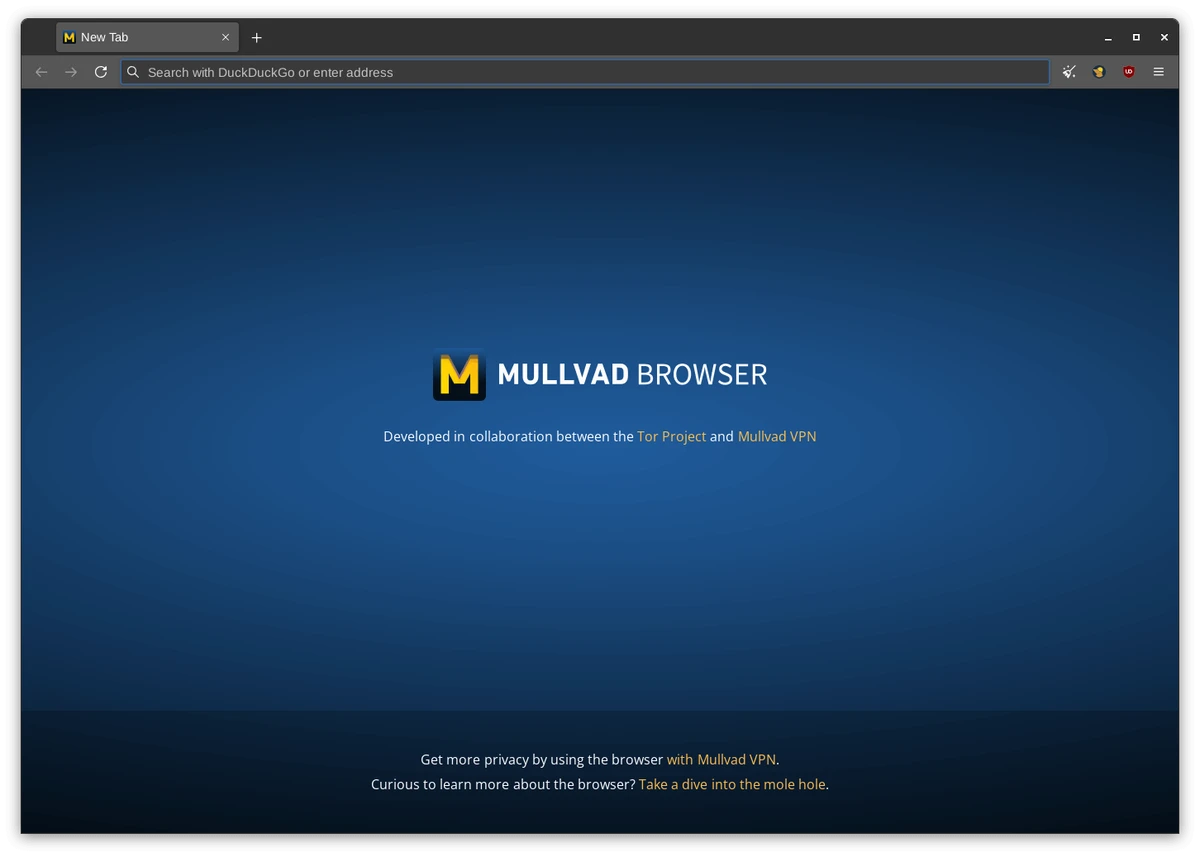
Mullvad Browser offers a familiar interface for anyone who has previously used Firefox. Navigation, settings, and browser controls follow a conventional layout, allowing users to begin browsing with minimal learning curve while benefiting from enhanced privacy protections behind the scenes.

Privacy-focused tools are integrated without making the browser difficult to use. Users can easily review connection information, check for potential IP, DNS, or WebRTC leaks, and configure recommended security options such as HTTPS-Only Mode. For users of Mullvad VPN, switching browser traffic through available proxy servers requires only a few clicks, making privacy management straightforward without adding unnecessary complexity.

Who Should Use Mullvad Browser?

  • Privacy-conscious internet users
  • Users who already use a VPN
  • People looking to reduce browser fingerprinting
  • Users who want a Firefox-based privacy browser
  • Individuals seeking to minimize browser telemetry
  • Users interested in checking IP, DNS, and WebRTC leaks

Conclusion

Mullvad Browser focuses on protecting user privacy through browser-level security rather than relying solely on network anonymity. By combining Firefox with anti-fingerprinting technology inspired by Tor Browser and removing telemetry, it offers a browsing experience designed to reduce online tracking while remaining familiar and easy to use. Its built-in leak detection tools and VPN compatibility further strengthen privacy for users who want greater control over their online activity.

Pros & Cons

✓

Pros

  • Strong anti-fingerprinting protection
  • Based on the familiar Firefox browser
  • Removes telemetry for improved privacy
  • Designed to work alongside VPN services
  • Built-in leak checking tools
  • Supports SOCKS5 proxy connections with Mullvad VPN
  • Recommends secure browsing settings
✕

Cons

  • Does not use the Tor Network for routing traffic
  • Some proxy features require Mullvad VPN

Frequently Asked Questions

What is Mullvad Browser used for?

Mullvad Browser is a privacy-focused web browser designed to reduce online tracking through anti-fingerprinting technology while working alongside a VPN for enhanced privacy.

Is Mullvad Browser based on Firefox?

Yes. Mullvad Browser is built on Firefox, providing a familiar interface while incorporating additional privacy protections.

Does Mullvad Browser use the Tor Network?

No. Unlike Tor Browser, Mullvad Browser is designed to work with a VPN instead of routing internet traffic through the Tor Network.

What is browser fingerprinting?

Browser fingerprinting is a tracking technique that identifies users based on characteristics such as browser settings, fonts, screen resolution, and other system information. Mullvad Browser includes protections that help reduce the effectiveness of this type of tracking.

Does Mullvad Browser collect telemetry?

No. According to the available information, Mullvad Browser removes telemetry to prioritize user privacy and reduce data collection.

Can Mullvad Browser detect IP or DNS leaks?

Yes. The browser includes tools that allow users to check connection details and verify whether IP, DNS, or WebRTC leaks are present during browsing.

Recommended apps [Freeware]:
  • Recuva 1.55.133 Recuva logo recover deleted files from PCs, USB drives, memory cards, and damaged or formatted disks
  • Revo Registry Cleaner 2.2.1 Revo Registry Cleaner logo Clean, monitor, tune, and back up the Windows Registry with Revo Registry Cleaner for improved system maintenance
  • AIMP 5.40.2722 AIMP logo a lightweight audio player with high-quality sound, playlist tools, equalizer, and audio conversion features
  • MSI Dragon Center 2.0.156.0 MSI Dragon Center logo monitor CPU, GPU, and RAM, optimize gaming performance, and control RGB and system settings on MSI PCs
  • HFS: HTTP File Server 3.2.1 HFS: HTTP File Server logo Share files over the internet with HFS HTTP File Server. Easy setup, bandwidth control, virtual file system, and user management
  • PeaZip 11.2.0 PeaZip logo Free open-source archive manager supporting hundreds of file formats with strong encryption, secure file management, and archive creation.
Recommended apps [Shareware]:
  • SketchUp Pro 2026 SketchUp Pro logo powerful 3D modeling software for architects, designers, and engineers with intuitive tools.
  • HWMonitor Pro 1.58 HWMonitor Pro logo extends HWMonitor with remote monitoring, logging graphs, and improved sensor interface tools.
  • Ant Download Manager 2.17.6 Ant Download Manager logo a Windows tool that speeds up downloads, captures streaming media, supports torrents, and integrates with browsers
  • ThunderSoft Watermark Remover 6.3.0 ThunderSoft Watermark Remover logo removes watermarks, logos, and unwanted objects with easy selection and photo editing tools
  • Copy Protect 3.0.2 Copy Protect logo converts media files into secured executables to prevent copying, duplication, and unauthorized distribution on Windows.
  • EventSentry Light 6.0.1.68 EventSentry Light logo Monitor servers, logs, and network devices, get real-time alerts and centralized system monitoring for IT environments.