


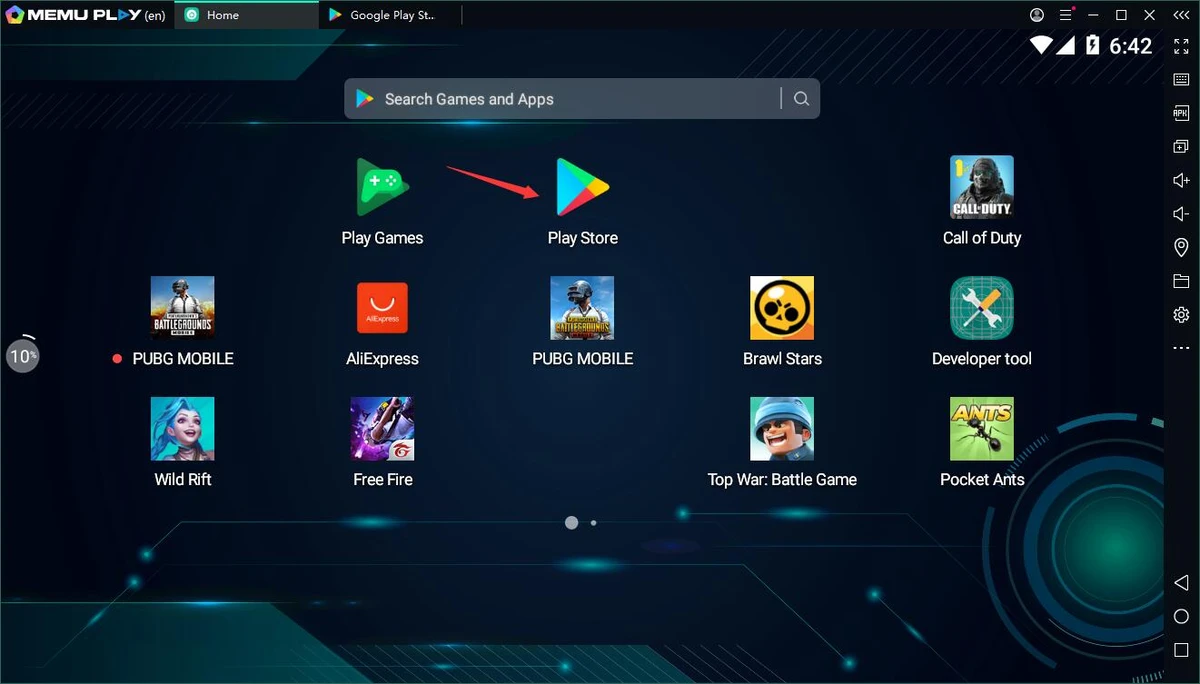

MEmu Android Emulator is a Windows-based Android emulator designed primarily for gaming, allowing users to run Android games and applications directly on their PC. During my testing, I found the setup process refreshingly simple—install the software, launch it, and you're ready to download or install Android apps without dealing with complicated configuration. Installing games is straightforward thanks to drag-and-drop APK support and a dedicated APK installation button. Most games are playable immediately with pre-configured keyboard and mouse controls, while users who prefer a more personalized experience can remap controls or connect a compatible game controller.
Beyond gaming, MEmu also provides a complete Android environment that supports running mobile applications, sharing files between Windows and Android, and launching multiple Android instances simultaneously. Its combination of customization options and ease of use makes it a practical choice for users who want to experience Android on a Windows PC.
Features of MEmu Android Emulator
- Run Android games and applications on Windows.
- Simple APK installation using drag-and-drop or the built-in APK installer.
- Pre-configured keyboard and mouse controls for many games.
- Customize keyboard and joystick mappings.
- Support for compatible game controllers, including Xbox 360 controllers.
- Configure CPU allocation, memory size, screen resolution, device model, navigation bar location, and root mode.
- Pass through sensor data such as the accelerometer for supported games.
- Share files between Windows and the Android virtual environment.
- Create, clone, delete, and run multiple Android instances with one click.
- Provides a complete Android desktop experience with access to Android applications.
Interface and Usability
MEmu offers a clean and beginner-friendly interface that makes getting started easy. The installation process is straightforward, and frequently used functions such as APK installation, instance management, and control customization are readily accessible.
I particularly appreciated that most games worked with default control mappings, reducing setup time. For games requiring different layouts, the built-in key mapping editor provides enough flexibility to tailor controls to personal preferences. Although occasional compatibility issues can occur—as is common with Android emulators—the overall experience remains smooth for most supported applications and games.
Who Should Use MEmu Android Emulator?
- Android gamers who want to play mobile games on a larger screen
- Windows users who need access to Android-only applications
- Users who want customizable keyboard or controller support
- Developers or testers who need multiple Android instances
- Anyone looking for an easy-to-use Android emulator for Windows
Conclusion
MEmu Android Emulator provides a user-friendly way to experience Android on a Windows computer, especially for gaming. Its straightforward installation, customizable controls, APK support, and multi-instance capabilities make it suitable for both casual users and more advanced Android enthusiasts. While no emulator can guarantee perfect compatibility with every application, MEmu delivers a solid balance of performance, flexibility, and ease of use. If you're looking for an Android emulator to play mobile games or access Android apps from your PC, MEmu is certainly worth trying.


