


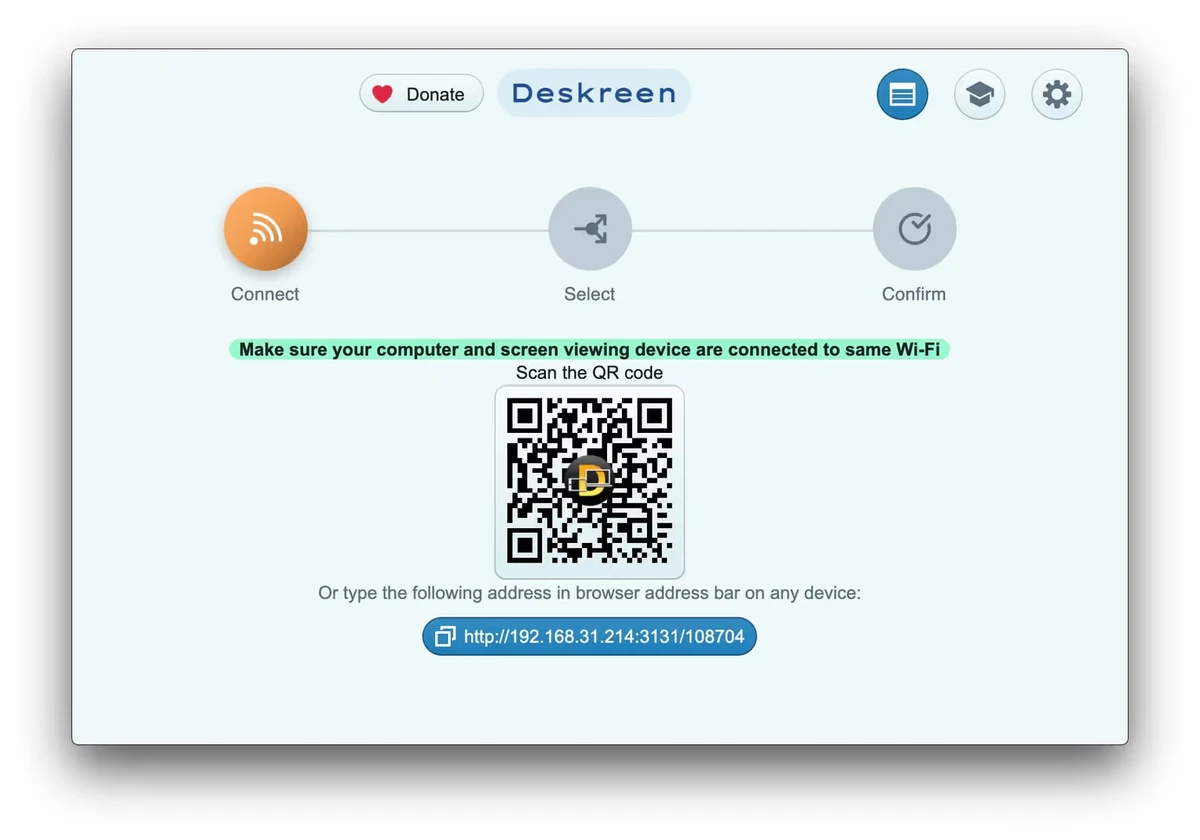

Deskreen is a desktop application that allows users to turn devices with a web browser into additional screens for their computer over a Wi-Fi connection. The software provides a flexible way to extend or mirror a computer display without requiring traditional wired connections, making it useful for presentations, collaboration, and personal productivity.
The application can share an entire computer screen with another device or limit sharing to a single application window. This selective sharing option is helpful when users want to display specific content while keeping other desktop activity private. Deskreen is designed to work with devices that already have a web browser, providing a simple approach to wireless screen access.
With the help of a Virtual Display Adapter, Deskreen can provide a true extended desktop experience. Without this adapter, users can still mirror their screen through Flip Screen Mode, which can be useful as a teleprompter solution for video creators or during video conferences.
Deskreen can operate through a local Wi-Fi network without requiring internet access after initial setup. It also supports multiple connected devices at the same time and provides options for adjusting video and image quality during screen sharing.
Features of Deskreen
- Turn browser-enabled devices into a second screen
- Share the entire computer screen wirelessly
- Share only a specific application window
- Support for extended desktop using a Virtual Display Adapter
- Flip Screen Mode for teleprompter use
- Works through local Wi-Fi without internet access
- No cable connection required
- Connect multiple devices simultaneously
- Adjustable image and video quality settings
- Automatic quality adjustment support
Interface and Usability
After using Deskreen, I found the application focused on providing a straightforward wireless display experience. The setup process is designed around connecting another device through a web browser, making it accessible without requiring specialized client software on the secondary device.
The ability to choose between full-screen sharing and individual application sharing provides useful flexibility. Users can decide whether they need a complete mirrored display or only want to show a specific program.
The interface keeps the main functions easy to understand, while advanced options such as quality adjustment and Virtual Display Adapter support provide additional control for users who need a more complete second-screen setup.
Who Should Use Deskreen?
- Users who need a wireless second monitor solution
- Professionals giving presentations
- Remote workers needing additional screen space
- Video creators using teleprompter functionality
- Teams sharing content during collaborative sessions
- Users who want screen sharing without cables
Conclusion
Deskreen is a useful wireless display tool for users who want more flexibility from their existing devices. Its ability to turn almost any browser-enabled device into a secondary screen makes it a practical solution for presentations, productivity, and creative workflows.


