


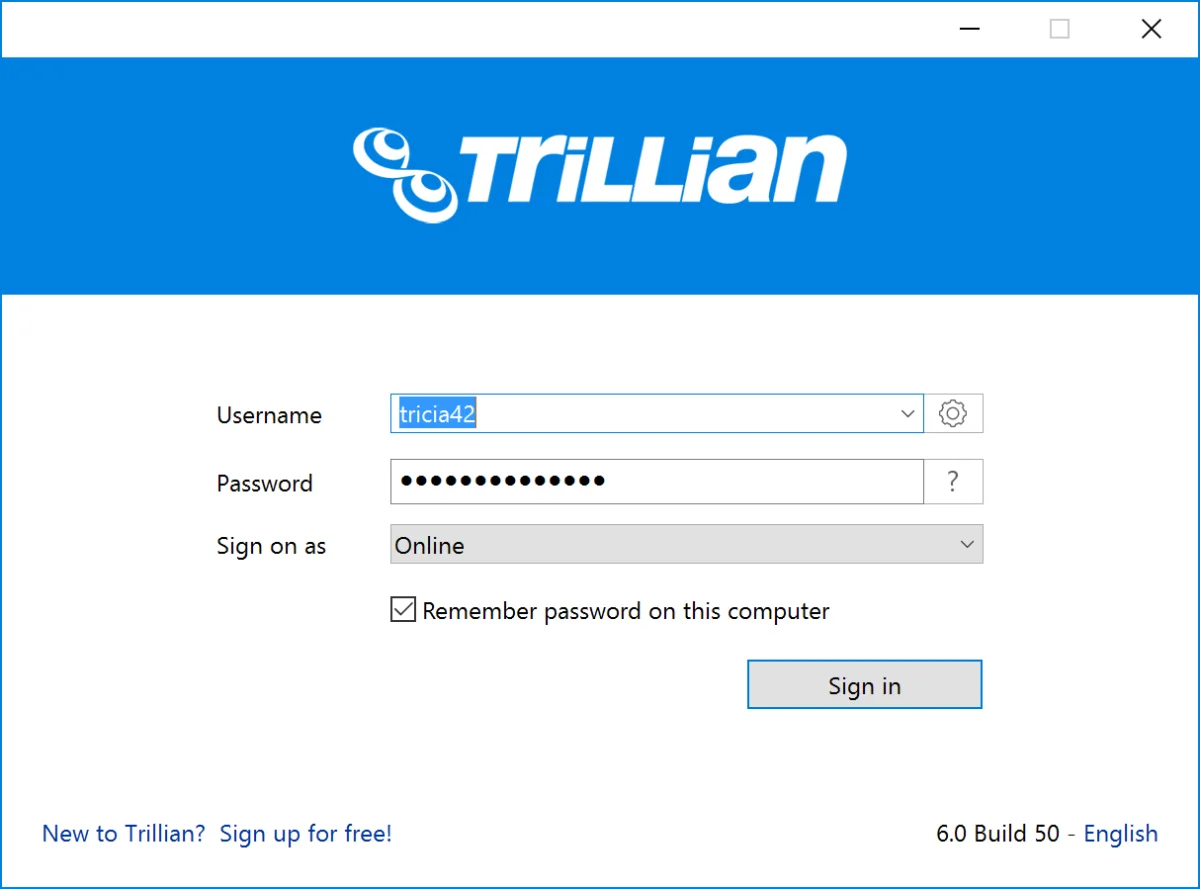

Trillian is an all-in-one chat software designed to simplify online communication. It allows users to log into multiple messaging services simultaneously, including MSN, Yahoo!, IRC, AIM, and ICQ, while also managing email, Facebook, and Twitter accounts—all from a single, compact application.
Trillian brings together various online networks in one seamless interface. Users can manage instant messages, social media feeds, and emails without juggling multiple apps. The software supports standard features like voice and video chats, file transfers, group messaging, and real-time status updates, while offering advanced tools such as encrypted messaging, proxy support, and multiple simultaneous connections. With a lightweight installation of just 30 MB, Trillian makes multi-platform communication both efficient and straightforward.
Key Features of Trillian
- Supports multiple messaging networks in one app: MSN, Yahoo!, IRC, AIM, ICQ
- Manage email, Facebook, and Twitter accounts
- Audio and video chat capabilities
- File transfer and group chat support
- Tabbed conversations for organized messaging
- Buzz notifications and typing alerts
- Avatar support and plugins for customization
- Encrypted messaging and proxy compatibility
- Real-time status feeds and multi-network connectivity
- Message history tracking for reference
Experience
Setting up Trillian is straightforward. After downloading, users can select the networks or accounts they want to connect and log in as usual. The app provides a single, tabbed interface for all conversations, making it easier to track multiple chats. Notifications and sound alerts help you stay on top of messages, while the small window layout prevents screen clutter. Managing contacts and social feeds is intuitive, with clear options for customization and plugin extensions.
The software’s lightweight nature ensures it runs smoothly even on older Windows systems. While it supports advanced features like encrypted messaging and proxy servers, the interface remains accessible for both casual and power users.
Who Should Use Trillian
- Professionals managing multiple messaging accounts simultaneously
- Users who want a single interface for instant messaging, email, and social media
- Teams and groups needing real-time communication with file sharing
- Anyone seeking lightweight, Windows-compatible chat software
Conclusion
Trillian is a reliable, all-in-one chat solution for Windows users who need to manage multiple messaging accounts efficiently. Its combination of standard chat features, social media integration, and real-time status tracking makes it ideal for both personal and professional use.


