Perplexity logo

Perplexity 1.7.0

  • User Rating:
    ★★★★★
    ★★★★★
    0.0 ★ 0Votes
  • Requirements:
    Windows
  • Version: 1.7.0
  • Latest updated: 2 weeks ago
  • License: Freemium  
  • Publisher: Perplexity AI
  • Size: 172 MB
× app stores

Perplexity is an AI-powered search and research tool designed to provide direct answers instead of simply displaying a traditional list of search results. It combines web search capabilities with artificial intelligence to analyze information from online sources, summarize findings, and present answers with references that users can review.

The platform works similarly to an AI assistant connected to a search engine. Users can ask questions in natural language and receive summarized responses based on available online information. Unlike many AI chat tools that provide answers without clear references, Perplexity includes source links so users can verify the information and explore the original materials.

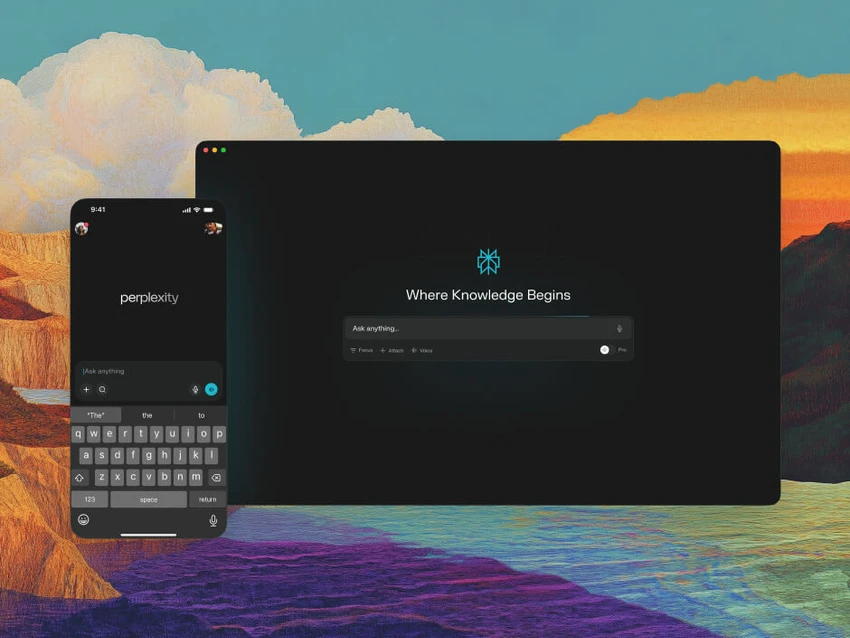
Perplexity can be accessed in several ways, including through a web application, desktop app, and browser extension. This flexibility allows users to choose the option that best fits their workflow, whether they need quick research in a browser, regular access from a desktop application, or assistance while reading online content.

The tool is useful for many everyday tasks, including researching software, comparing products, understanding technical concepts, summarizing long articles, and troubleshooting problems. Users can continue conversations by asking follow-up questions, allowing them to explore a topic without restarting each search.

With its combination of AI-generated answers, web search, and source transparency, Perplexity provides a convenient way to gather information faster while still allowing users to check the original references.

Key Features of Perplexity

  • AI-powered search that provides direct answers
  • Includes source links for answer verification
  • Supports follow-up questions in the same conversation
  • Summarizes webpages, articles, and research materials
  • Available through a web application
  • Desktop app support for regular users
  • Browser extension for quick access while browsing
  • Helps research software, products, and technical topics
  • Provides conversational search capabilities
  • Supports advanced AI features through paid plans

Interface and Usability

Perplexity focuses on simplicity, allowing users to search by asking questions naturally instead of entering short keyword phrases. The interface is designed around conversations, making it easy to refine results through additional questions.

The web version provides the fastest way to start using the service without installing additional software. Users who rely on it frequently may prefer the desktop application, while the browser extension provides convenient access while reading webpages or researching online.

The source references are one of the strongest usability points. Being able to view where information comes from makes the research process more transparent and helps users evaluate answers more effectively.

For users familiar with search engines and chat assistants, the learning curve is minimal. The main adjustment is learning to ask complete questions rather than relying on traditional search keywords.

Who Should Use Perplexity?

  • Students researching topics and summarizing information
  • Professionals comparing tools, products, or services
  • Developers troubleshooting technical problems
  • Writers researching content ideas
  • Users who want alternatives to traditional search engines
  • Anyone who wants AI answers with source references

Conclusion

Perplexity is a practical AI search tool that makes online research faster and more conversational. Its ability to combine AI-generated summaries with source references gives it an advantage over tools that provide answers without clear evidence. The web version is a convenient starting point, while the desktop app and browser extension provide additional flexibility for frequent users. Whether you are researching software, learning new concepts, comparing options, or troubleshooting technical issues, Perplexity can help reduce the time spent searching through multiple pages.

Pros & Cons

✓

Pros

  • Provides direct answers instead of only search results
  • Includes source links for verification
  • Supports natural language questions
  • Useful for research and troubleshooting
  • Available across web, desktop, and browser extension platforms
✕

Cons

  • AI responses can still miss context or simplify information
  • Important decisions should still be verified using original sources
  • Advanced features may require a paid plan

Frequently Asked Questions

What is Perplexity used for?

Perplexity is used for AI-assisted searching, research, summarizing information, answering questions, and helping users understand online content more quickly.

Is Perplexity a search engine or an AI chatbot?

Perplexity combines features of both. It searches online sources like a search engine while using AI to summarize information and answer questions conversationally.

Does Perplexity show sources for its answers?

Yes. Perplexity provides source links with its answers, allowing users to review the original information behind the response.

Can Perplexity summarize webpages and articles?

Yes. Perplexity can summarize online content and help users understand long articles, research materials, and technical information.

Is Perplexity free to use?

Perplexity offers a free version for basic AI search, research, summaries, and follow-up questions. Paid plans are available for users who need higher limits and additional features.

Does Perplexity replace traditional search engines?

Perplexity can reduce the need to browse through many search results for certain tasks, but traditional search engines may still be useful when users need broader results or specific websites.

Recommended apps [Freeware]:
  • Garmin Express 7.29.0.0 Garmin Express logo manage Garmin GPS devices with map updates, backups, software updates, and device registration
  • Futuremark SystemInfo 5.92.1497 Futuremark SystemInfo logo scans your PC hardware and system components, generating detailed diagnostic reports.
  • Quick Clipboard Editor 3.4.1.0 Quick Clipboard Editor logo edit, format, and manage clipboard text with powerful tools for productivity and automation
  • VUPlayer 4.24 VUPlayer logo Play music with a lightweight audio player supporting multiple formats, playlists, customization, and enhanced listening controls.
  • MultiPack Visual C++ Installer 4.2 MultiPack Visual C++ Installer logo Install required Microsoft Visual C++ runtimes quickly to fix application and game compatibility issues on Windows systems.
  • Super Productivity 18.14.0 Super Productivity logo Plan tasks, track time, use Pomodoro timers, sync across devices, and stay organized with a privacy-focused productivity app.
Recommended apps [Shareware]:
  • Remo Recover Windows 6.0.0.260 Remo Recover Windows logo Recover deleted, formatted, and lost files with Remo Recover Windows, a comprehensive data recovery solution
  • Total Commander 11.58 Total Commander logo a dual-pane Windows file manager with advanced search, FTP support, archive tools, and synchronization features
  • GiliSoft Private Disk 11.8 GiliSoft Private Disk logo Protect sensitive files with AES 256-bit encryption, hidden disk images, and portable encrypted storage
  • Total Image Converter 8.5.0.322 Total Image Converter logo Windows tool for converting, resizing, and editing images in bulk with support for RAW, TIFF, PSD, and more
  • Glary Malware Hunter 1.218.0.860 Glary Malware Hunter logo Windows security tool that scans, detects, and removes malware while offering system cleanup and performance optimization features
  • QILING Disk Master Server 8.8 QILING Disk Master Server logo a Windows server backup and recovery tool with system imaging, RAMDisk, and AES encryption