


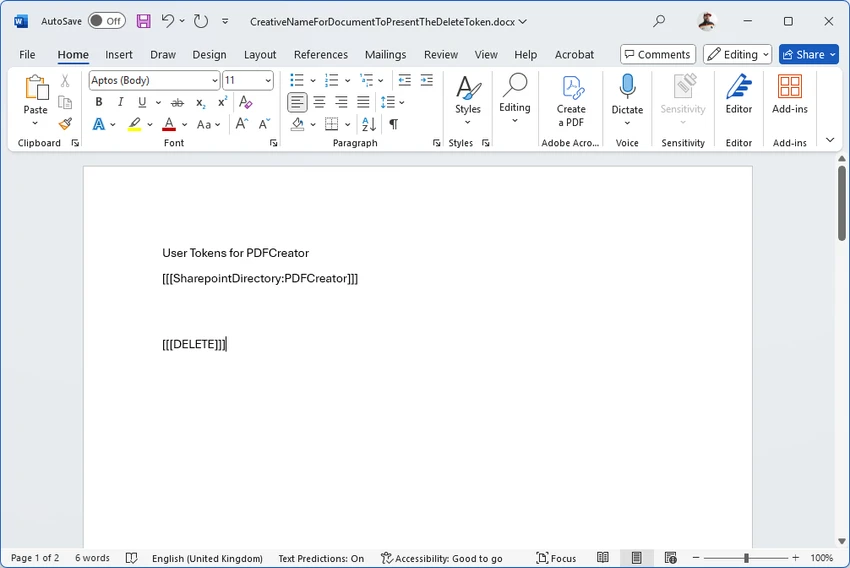

PDFCreator is a free and open-source Windows utility that allows users to create PDF files from virtually any application that supports printing. It works as a virtual printer, enabling users to “print” documents from Word, Excel, browsers, or other software directly into PDF format. Beyond basic PDF creation, PDFCreator also includes tools for merging documents, encrypting files, digitally signing PDFs, and exporting to multiple image formats such as PNG and JPG.
Features of PDFCreator
- Create PDF files from any printable Windows application.
- Works as a virtual printer for seamless PDF generation.
- Merge multiple documents into a single PDF file.
- Encrypt PDFs to restrict access, printing, or editing.
- Digitally sign PDFs to verify authorship and integrity.
- Automatically save files with customizable naming rules.
- Send created PDFs directly via email.
- Export files to multiple formats (PNG, JPG, BMP, TIFF, EPS, PS, PCX).
- Compatible with terminal servers and multi-user environments.
- Open-source software released under the GNU AGPL license.
User Experience
PDFCreator integrates smoothly into the Windows printing system, making it easy for users to generate PDFs without needing additional conversion tools. Once installed, it appears as a virtual printer, allowing users to simply select “PDFCreator” when printing from any application. The workflow is straightforward: choose the print option, select PDFCreator, and configure output settings such as file name, save location, encryption, or merging options. This makes it particularly convenient for office environments where documents are frequently exported to PDF.
The software also provides advanced customization features, including automatic file naming based on variables such as date, username, or document title. This is especially useful for users managing large volumes of documents. Security features such as encryption and digital signatures add another layer of protection, making PDFCreator suitable for handling sensitive or official documents. However, during installation, users should pay attention to optional third-party offers, as these may change over time.
Who Should Use PDFCreator?
- Office workers creating documents in PDF format.
- Students exporting assignments or reports.
- Businesses managing document workflows.
- Users who need to merge or secure PDF files.
- Anyone looking for a free PDF printing solution.
Conclusion
PDFCreator is a practical and powerful PDF generation tool that transforms any printable Windows document into a PDF file with ease. Its combination of simplicity and advanced features makes it suitable for a wide range of users, from casual home users to business environments.


