


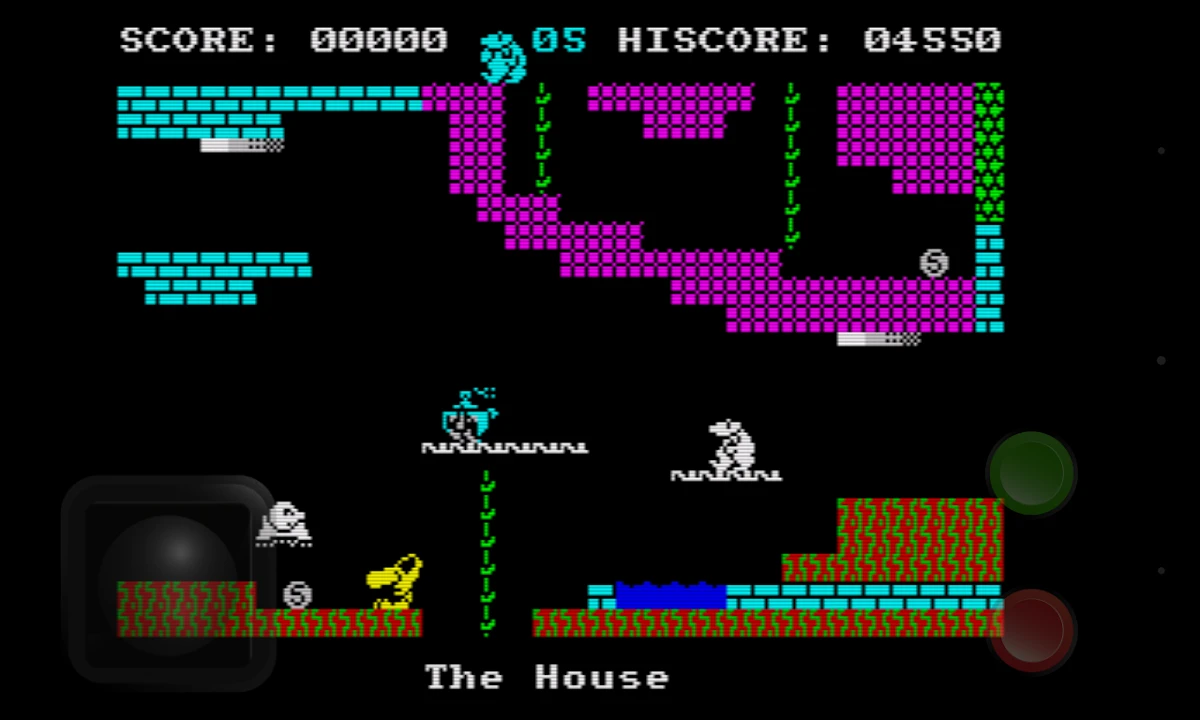

Spectaculator is a commercial emulator designed to recreate the experience of using the classic Sinclair ZX Spectrum family of 8-bit home computers on modern Windows systems. After exploring its capabilities, I found that the software focuses on faithful hardware emulation while adding modern conveniences that make classic Spectrum software easier to enjoy today.
The emulator supports several ZX Spectrum models, allowing users to run original games and applications with behavior that closely matches the original hardware. In addition to accurate emulation, Spectaculator includes quality-of-life features such as save states, fast loading, virtual keyboards, TV display simulation, and game controller support.
Features of Spectaculator
- Accurately emulates classic Sinclair ZX Spectrum computers.
- Supports multiple ZX Spectrum models, including:
- 16K
- 48K
- 128K
- Later Spectrum variants
- Runs classic ZX Spectrum games and software.
- High-accuracy hardware emulation.
- Supports tape and disk media.
- Includes support for certain copier devices.
- Desktop version includes printer and Microdrive support.
- Save state functionality for resuming gameplay or applications.
- Fast loading options.
- Simulated CRT television display effects.
- Virtual on-screen keyboard.
- Supports external keyboards.
- Compatible with game controllers on supported platforms.
Interface and Usability
Spectaculator provides an experience that balances authenticity with convenience. During my review, I found the interface straightforward, allowing users to launch classic Spectrum software without unnecessary complexity.
Modern features such as save states and fast loading significantly improve usability compared to the original hardware experience. The virtual keyboard is especially helpful for software that relies on Spectrum keyboard shortcuts, while external keyboard support offers a more natural way to interact with programs. The optional TV screen simulation also adds a nostalgic touch for users who want to recreate the look of vintage displays.
Who Should Use Spectaculator?
- Retro gaming enthusiasts.
- Sinclair ZX Spectrum fans.
- Digital preservation enthusiasts.
- Collectors of classic computer software.
- Users wanting to revisit classic Spectrum games.
- Anyone interested in experiencing 1980s home computing on modern Windows PCs.
Conclusion
Spectaculator is an excellent choice for anyone looking to experience the Sinclair ZX Spectrum on a modern computer. Its emphasis on accurate hardware emulation, combined with convenient features like save states, fast loading, and controller support, creates an experience that is both faithful to the original platform and accessible to today's users.


