


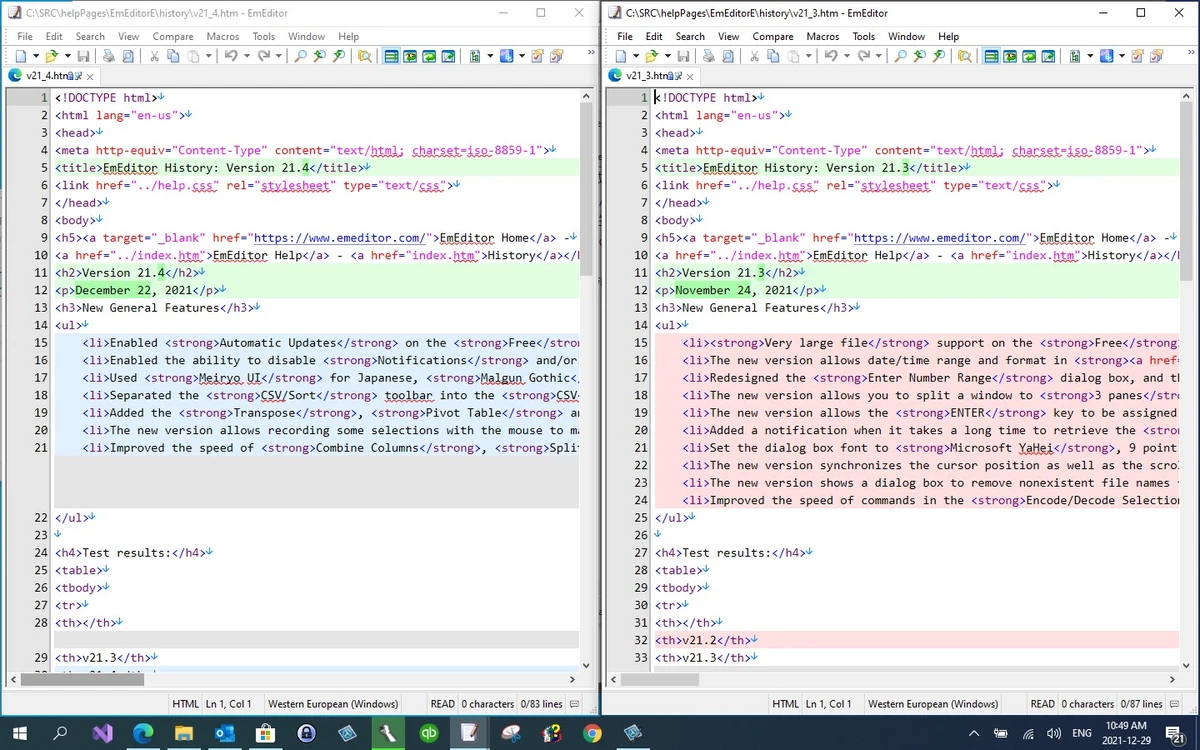

EmEditor is a high-performance text and code editor for Windows designed for programmers, web developers, and advanced users who need speed, stability, and support for very large files. It combines syntax highlighting, powerful search tools, and automation features to deliver a flexible editing environment for both coding and data processing tasks.
Overview
EmEditor is built to handle demanding text-editing workloads, especially large files that many standard editors struggle with. It supports Unicode, multiple programming languages, and advanced editing functions such as regular expression search and replace. The software is particularly known for its ability to open and edit extremely large files while maintaining responsiveness. It also includes macro support using JavaScript and VBScript, allowing users to automate repetitive actions and customize workflows.
Recent updates introduce AI-assisted writing capabilities through the ChatAI plugin, expanding EmEditor beyond traditional editing into AI-powered productivity tasks, including multi-provider AI comparisons.
Features of EmEditor
- Handles very large files (up to multi-gigabyte scale, including extremely large datasets)
- Syntax highlighting for 20+ languages including HTML, CSS, JavaScript, Python, PHP, SQL, and more
- Advanced search and replace with regular expressions
- Unicode support for multilingual text editing
- Macro automation using JavaScript and VBScript
- Vertical selection and multi-selection editing
- Tabbed interface with drag-and-drop support
- Binary file editing support
- File comparison and CSV tools
- Encoding conversion for multiple files
- Crash recovery features
- Plugin support, including AI-related extensions
- Markdown preview with near WYSIWYG experience
- Powerful filtering and data processing tools
User Experience
In real-world use, EmEditor feels extremely responsive even when handling very large files such as logs or datasets. This is one of its strongest advantages compared to many general-purpose text editors. The interface is clean and highly configurable, allowing users to adjust layouts, toolbars, fonts, and color schemes to match their workflow. Developers working across multiple languages will appreciate the consistent syntax highlighting and fast navigation tools.
Automation through macros adds significant productivity benefits, though users who are not familiar with scripting may need time to get comfortable with it. Overall, the learning curve is moderate but justified by the depth of features.
Who Should Use EmEditor?
- Developers working with multiple programming languages
- Web developers editing HTML, CSS, JavaScript, and server-side code
- Data professionals handling large CSV or log files
- Power users who need advanced search and automation tools
- Anyone working with extremely large text files
Conclusion
EmEditor is a powerful and efficient code editor built for users who need performance and flexibility, especially when working with large files or complex datasets. Its combination of speed, customization, and advanced editing tools makes it a strong choice for developers and technical users who want more than a basic text editor.


