


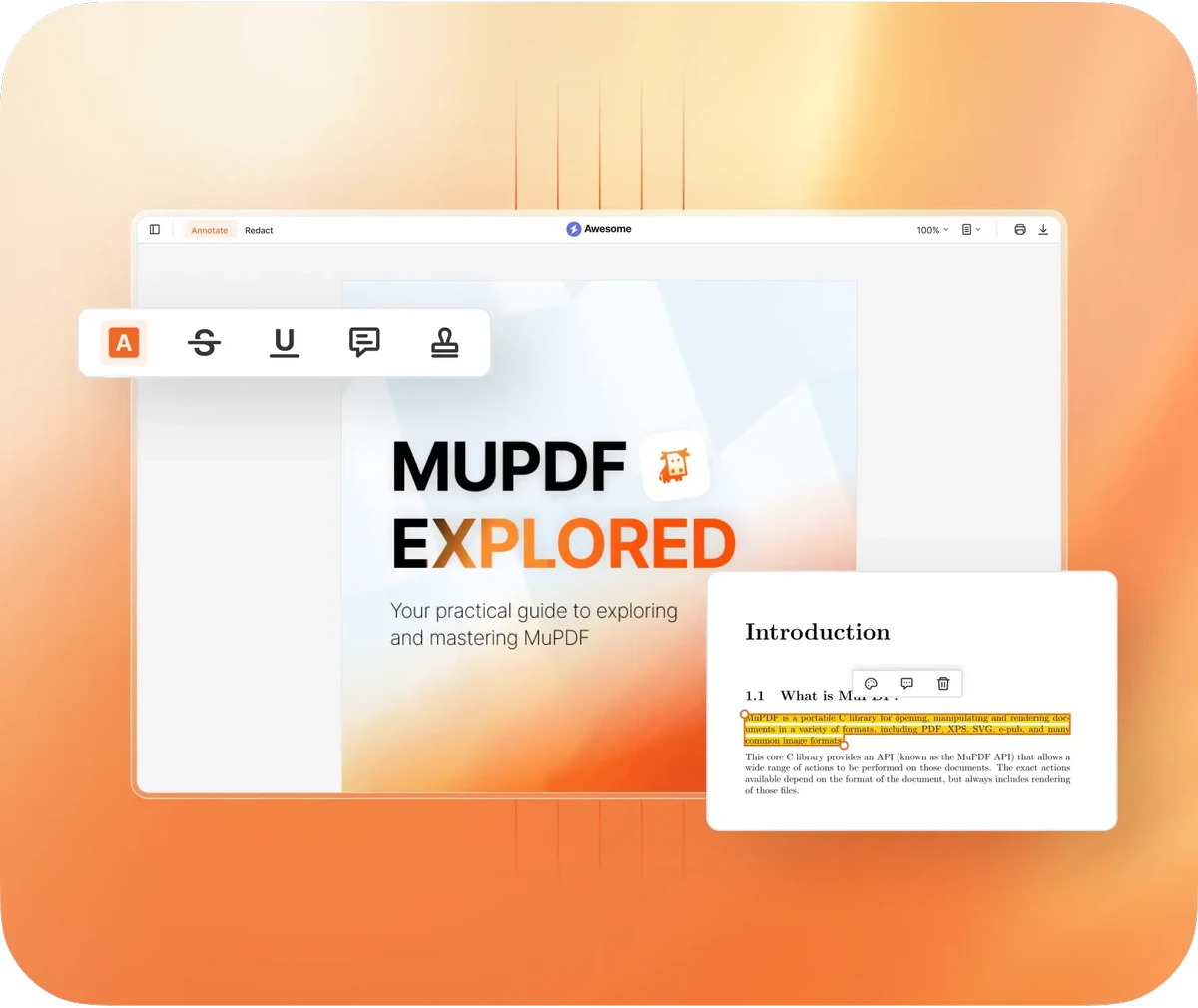

MuPDF is a minimalist document viewer designed specifically for opening and reading PDF and XPS files. Unlike traditional PDF software that includes editing, annotation, or printing features, MuPDF focuses solely on fast and simple document viewing. MuPDF stands out for its extremely lightweight design. It removes nearly all interface elements, offering a direct and distraction-free way to open and read documents.
Features of MuPDF
- View PDF and XPS files.
- Extremely lightweight, minimal system resource usage.
- No traditional graphical interface.
- Navigate pages using keyboard (arrow keys or scrolling).
- Jump to specific pages by typing the page number and pressing G.
- Support for clickable table of contents in structured PDFs.
- Fast document loading and rendering.
User Experience
Using MuPDF feels very different from typical PDF readers. There are no toolbars, menus, or visible controls—just the document itself. You open the application, select a file, and begin reading immediately. Navigation is handled entirely through the keyboard or scroll input. While this may feel unusual at first, it becomes efficient for users who only need to read documents without interacting with advanced tools. Performance is one of MuPDF’s strongest advantages. Documents open quickly, and the lightweight nature of the application ensures smooth operation even on low-spec systems.
Who Should Use MuPDF?
- Users who only need to read PDF or XPS files.
- People using low-spec or older computers.
- Users who prefer minimal, distraction-free tools.
- Developers or technical users who value lightweight software.
Conclusion
MuPDF is a highly efficient and minimalist document viewer that does exactly what it promises: opens and displays PDF and XPS files with maximum speed and minimal overhead. While it lacks modern features found in full PDF suites, its simplicity is its biggest strength.


