


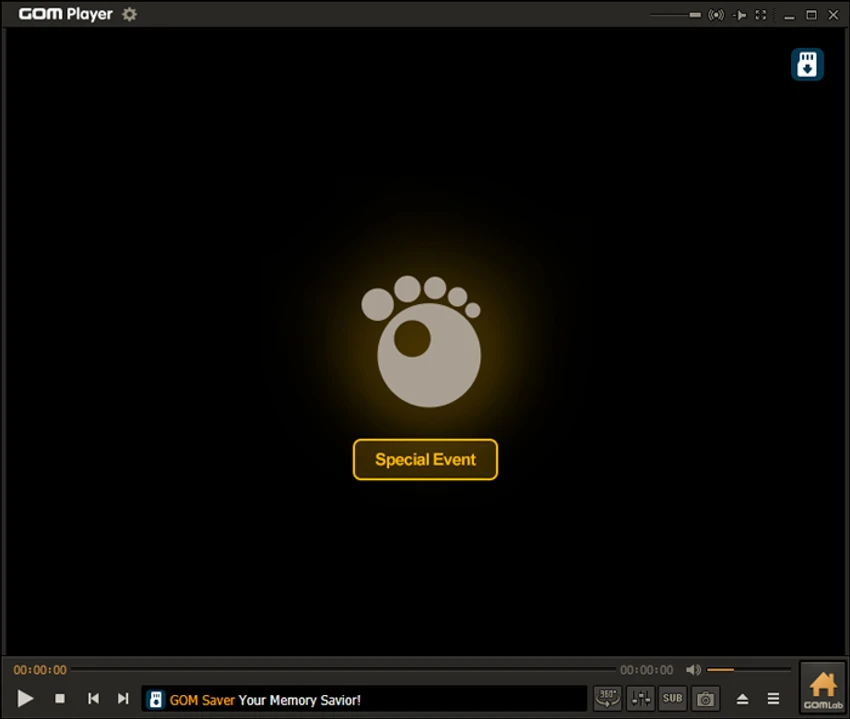

GOM Player is a feature-rich media player for Windows designed to handle a wide range of video and audio formats with minimal setup. It includes built-in codec support, subtitle tools, 360-degree video playback, and the ability to play damaged or incomplete files, making it a flexible option for everyday media consumption.
Overview
GOM Player focuses on compatibility and convenience, allowing users to play most media files without needing external codecs. When a missing codec is detected, the software can help locate it automatically. Beyond standard playback, it offers advanced features such as subtitle synchronization, VR video support, playback customization, and remote control via smartphone. It is also capable of handling partially downloaded or corrupted video files by skipping damaged segments where possible.
The application is available in a free ad-supported version, with an optional paid upgrade that removes ads and adds extra playback enhancements.
Features of GOM Player
- Supports major video formats (AVI, MP4, MKV, and more)
- Built-in codec support and codec finder tool
- Plays incomplete or damaged video files
- Advanced playback speed controls
- Subtitle search and automatic subtitle matching
- Manual subtitle timing and styling adjustments
- 360-degree video and VR content playback
- Customizable skins and interface themes
- Video effects and playback filters
- Smartphone remote control via GOM Remote
- YouTube 360° video playback support
- Flexible control layout customization
- Ad-supported free version with optional premium upgrade (GOM Player Plus)
User Experience
GOM Player provides a smooth and user-friendly playback experience right after installation. Most common video formats play without additional configuration, which makes it suitable for users who want a simple “install and watch” solution.
One of its most practical features is its ability to play damaged or incomplete files. Instead of failing to open, it attempts to skip corrupted sections, allowing partial viewing of downloaded content. Subtitle management is another strong area. The player can automatically search for subtitles and apply them, while also allowing manual adjustments for timing and appearance. This is especially useful for users watching foreign-language content.
Customization options are extensive, ranging from interface skins to playback speed and visual effects. While these settings add flexibility, they may feel unnecessary for users who prefer a minimal setup. The inclusion of VR and 360-degree video support adds a modern touch, making it suitable for immersive content playback as well.
Who Should Use GOM Player?
- Users who want a free all-in-one media player
- People watching videos in multiple formats
- Users dealing with incomplete or damaged video files
- Movie watchers needing subtitle automation
- VR or 360° video viewers
- Users who want customizable playback options
Conclusion
GOM Player is a capable and flexible media player that goes beyond basic playback. With support for a wide range of formats, damaged file recovery, subtitle automation, and 360-degree video playback, it delivers a well-rounded multimedia experience.


