


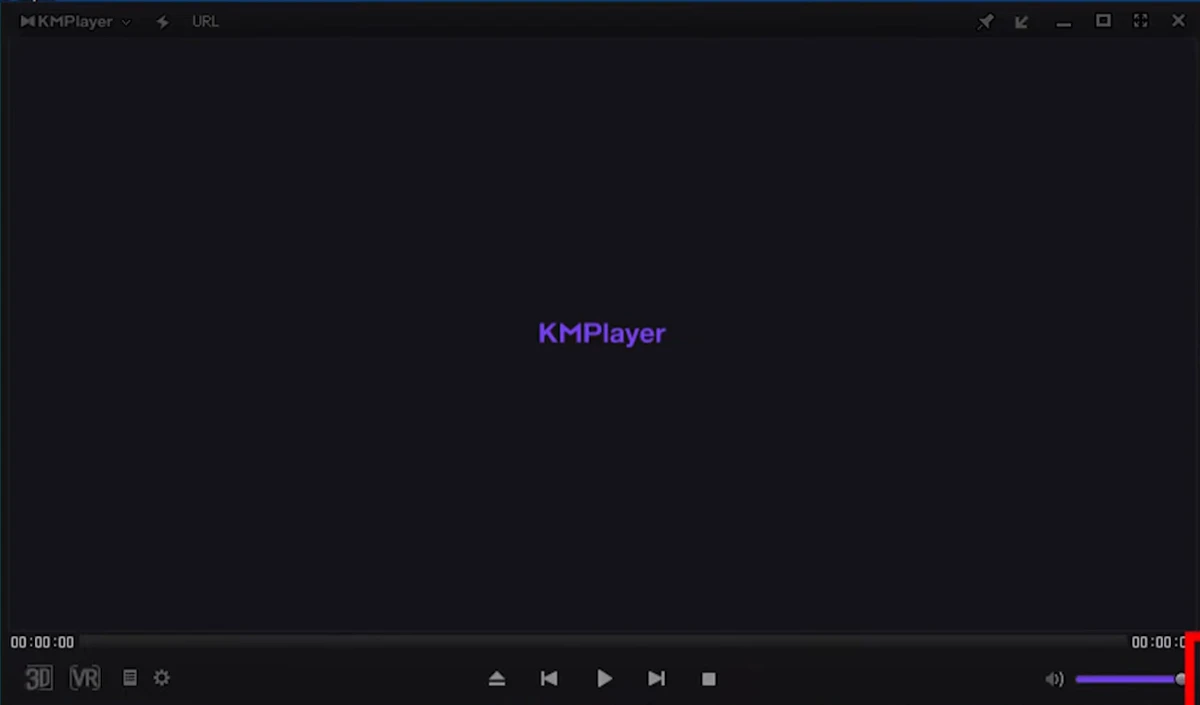

KMPlayer (KMP) is a high-performance media player designed for modern high-end systems, optimized for smooth playback of ultra-high-resolution content such as 4K, 8K, and 60FPS videos. It focuses on delivering efficient playback performance while supporting a wide range of video formats and codecs.
Overview
KMPlayer is built as a versatile multimedia player capable of handling demanding video playback scenarios. It supports advanced formats including UHD content and leverages hardware acceleration to reduce CPU usage during playback. The software also emphasizes a streamlined user experience, removing ads and simplifying its menu structure for easier navigation.
From everyday HD videos to ultra-high-definition 8K content, KMPlayer aims to provide stable and responsive playback across different system configurations, including both high-end and lower-end PCs.
Features of KMPlayer
- Supports high-resolution playback up to 4K, 8K, UHD, and 60FPS content
- Hardware acceleration for codecs such as HEVC (H.265), H.264, and VP9
- Wide format compatibility with support for almost all video file types
- Subtitle support, including Blu-ray image subtitles (PGS and other formats)
- Blu-ray Disc and DVD playback support
- YouTube URL playback and download functionality (PC 64-bit version)
- GIF capture function for extracting moving images from video playback
- Video renderer with screen rotation and enhanced playback handling
- Multi-language support across 42 countries
- Ad-free interface with a simplified menu structure
User Experience
Using KMPlayer feels smooth and performance-oriented, especially when handling high-resolution video files. Playback remains stable even during demanding content like 4K and 8K videos, thanks to hardware acceleration support. The ad-free interface is a noticeable improvement, creating a cleaner viewing environment compared to many other free media players. Navigation has also been reorganized into a more streamlined structure, making it easier to access playback tools, subtitle settings, and media options.
The YouTube URL playback and download feature adds convenience, allowing users to manage online video content directly within the player. However, the overall experience depends heavily on system hardware when dealing with ultra-high-resolution content.
Who Should Use KMPlayer?
KMPlayer is best suited for users who regularly watch high-resolution videos, including 4K or 8K content, and need a lightweight yet powerful media player. It is also useful for users who prefer an all-in-one solution that supports local playback, subtitles, Blu-ray/DVD, and basic online video handling.
Conclusion
KMPlayer stands out as a capable media player focused on performance and compatibility with modern video formats. Its support for ultra-high-definition playback, combined with hardware acceleration and an ad-free interface, makes it a strong choice for users seeking a reliable video player for both everyday and high-end multimedia use.


