


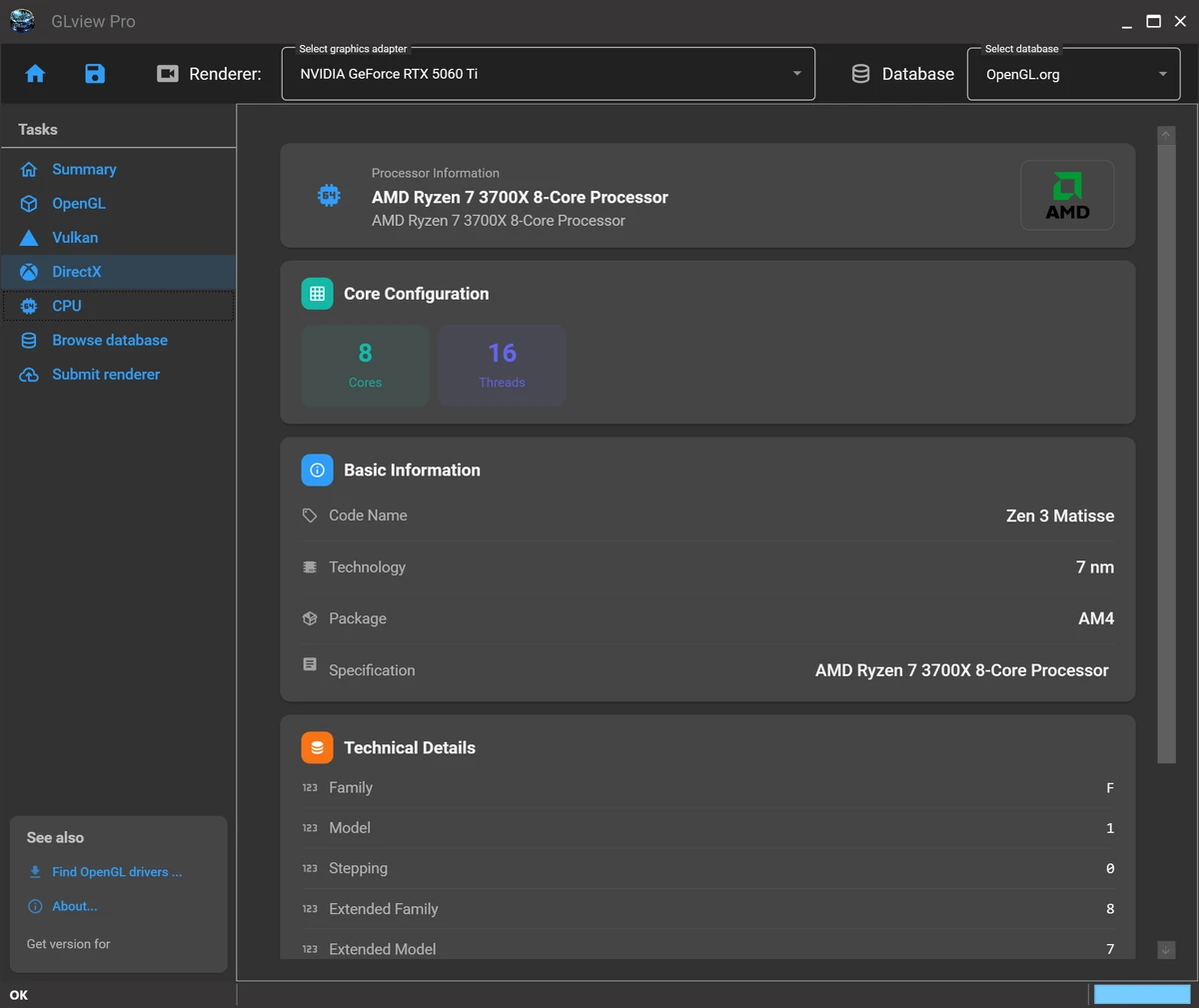

GLview, formerly known as OpenGL Extensions Viewer, is a diagnostic utility designed to provide detailed insights into a system’s graphics capabilities. It analyzes the installed GPU and displays information related to OpenGL, Vulkan, DirectX, and supported rendering features. The tool is widely used by developers, testers, and advanced users who need to verify graphics hardware support, driver versions, and API compatibility.
Features of GLview
- Displays detailed OpenGL hardware and software information
- Detects GPU vendor, renderer, and OpenGL version
- Provides Vulkan and DirectX system reports
- Lists supported OpenGL extensions (GLU, GLX, WGL, and more)
- Built-in rendering test categories
- GPU capability analysis and hardware detection
- Displays AMD and NVIDIA driver versions
- DirectX version detection
- Organized interface with summary and detailed sections
- Multilingual support (including English, French, Portuguese, and Russian)
- Access to extension documentation
- Android version available for mobile GPU analysis
User Experience
During my experience with GLview, the software proved to be a highly detailed diagnostic tool for understanding graphics hardware capabilities. The interface is structured into sections such as summary, extensions, and rendering tests, making it easier to navigate through technical information.
One of the most useful aspects is the ability to quickly identify the GPU model, driver version, and supported graphics APIs. This is particularly helpful when troubleshooting rendering issues or verifying whether a system meets the requirements for specific games or applications. The inclusion of Vulkan and DirectX reporting alongside OpenGL data makes GLview a comprehensive solution for graphics diagnostics. Developers working with multiple rendering APIs will find this especially valuable when testing compatibility across different systems.
The rendering test section also provides a practical way to validate GPU performance and feature support in real time. Combined with extension-level details, GLview offers a deep technical view of how a system handles graphics processing. Another strength is its accessibility improvements, including multilingual support and an Android version for mobile GPU inspection. This extends its usefulness beyond desktop environments.
Who Should Use GLview?
- Game and graphics developers
- 3D rendering and engine testers
- Users troubleshooting graphics issues
- Hardware enthusiasts checking GPU capabilities
- Developers working with OpenGL, Vulkan, or DirectX
- Android developers analyzing mobile GPU support
Conclusion
GLview delivers comprehensive insight into a system’s graphics capabilities, making it an essential utility for anyone working with 3D rendering technologies. Its detailed reporting of OpenGL, Vulkan, and DirectX features helps users ensure compatibility and diagnose performance or rendering issues.


