


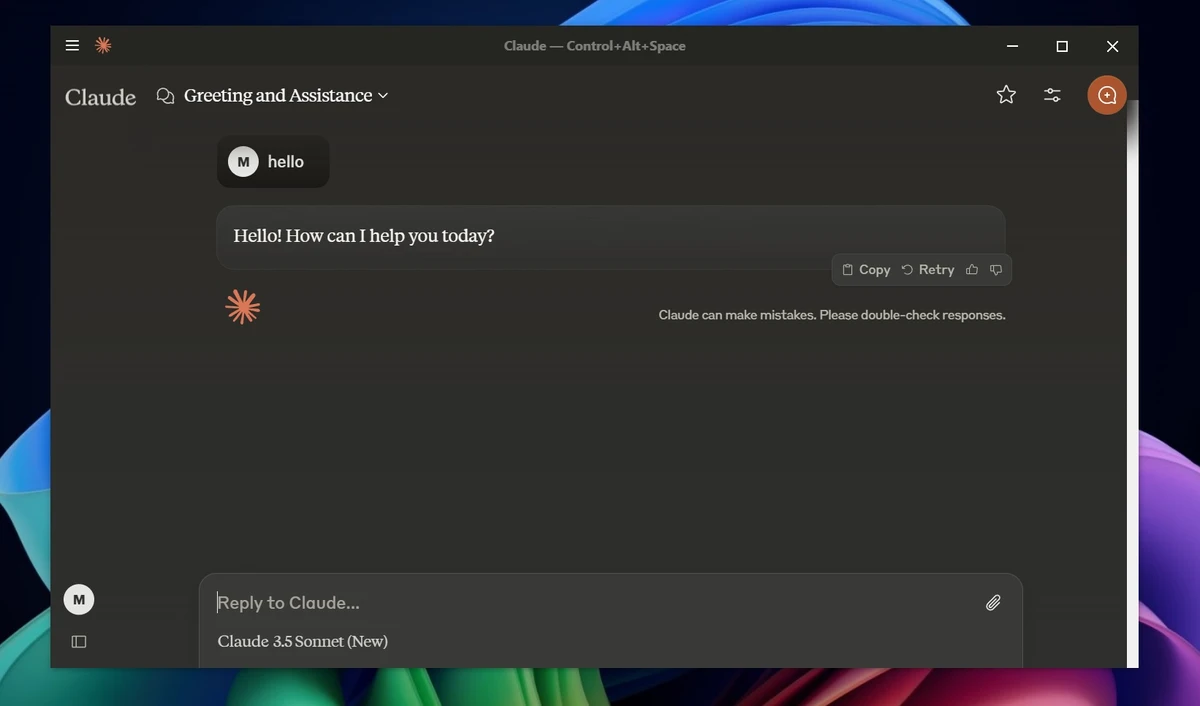

Claude Desktop is the native Windows and macOS application for Claude, Anthropic's AI assistant. Designed to provide a more focused experience than using Claude in a web browser, the desktop app gives users a dedicated workspace for writing, research, coding assistance, document analysis, brainstorming, and everyday productivity tasks. Instead of keeping Claude buried among dozens of browser tabs, Claude Desktop runs as a standalone application, making it easier to access throughout the day. Whether you're summarizing documents, generating code, organizing ideas, or analyzing uploaded files, the desktop experience helps integrate AI assistance more naturally into daily workflows.
Why Running Claude on the Desktop Is a Good Idea
Claude Desktop makes the most sense when you use Claude as part of your normal workflow. It can be pinned to the taskbar or dock, left running in the background, and opened quickly when you need help with something. That is useful for everyday jobs, like we said, email, PDF, and summarization. It is also great for coming up with ideas, and turning your tasks into a workable schedule.
The desktop version importantly keeps Claude separate from your browser distractions. When Claude is just another tab, it is sitting next to email, YouTube, shopping carts, news, and whatever random forum thread stole twenty minutes of your life. As a standalone app, it feels more focused and useful. The other part we like is the “weight” of the borrower. Browsers and browser-run apps are not particularly memory-efficient. They eat your ram faster than I’ll eat your Cheetos (if left unguarded). I have a Cheetos problem. Don't judge me.
Claude desktop runs in its own instance outside of any browser, which makes it easier on your system, faster, and more fun to use.
File System Access Needs to Be Enabled
One important thing to know about Claude Desktop is that it does not automatically get access to your local file system after installation. You can still upload files manually, but if you want Claude to work more directly with folders and local documents, you need to enable the file system extension first. To do that, open Claude Desktop and go to File > Settings > Extensions. From there, search Claude's curated extension list for the file system extension and enable it.
That extra step is annoying for about thirty seconds, but it is the right default. An AI app should not be able to wander through your drive just because you installed it. Once enabled, file system access is one of the better reasons to use Claude Desktop instead of the browser version. With the file system extension enabled, Claude Desktop can help organize documents, create or edit files, and handle file tasks using natural language instead of manual clicking. You still stay in control, since Claude asks for approval before making changes and will not start moving, editing, or deleting files on its own.
Features of Claude Desktop
- Dedicated desktop application for Windows and macOS
- AI-powered writing assistance
- Document summarization and analysis
- Research and brainstorming support
- Code generation and coding assistance
- Debugging explanations and technical guidance
- File upload support for documents, PDFs, screenshots, and images
- Artifacts workspace for managing longer outputs
- Local file system integration through an optional file system extension
- Natural language file and document workflows
- Multiple conversation sessions for different projects
- Free plan available for new users
- Integration with Claude Code for development-focused workflows
User Experience
During my experience with Claude Desktop, the biggest advantage was the dedicated workspace. While browser-based AI tools are convenient, they often compete for attention alongside email, social media, videos, and countless open tabs. Running Claude as a standalone application creates a more focused environment that feels closer to a productivity tool than a website. The application excels at handling long-form content. Summarizing reports, restructuring notes, refining drafts, and organizing information are all tasks where Claude Desktop performs particularly well. Uploading documents and asking questions about their contents feels natural and saves considerable time when reviewing lengthy materials.
The Artifacts feature also improves usability by placing certain outputs into a separate workspace. Rather than scrolling through long chat histories to locate generated content, users can work with documents, outlines, tables, and code in a more organized format. For developers, Claude Desktop becomes even more useful when paired with Claude Code. While the desktop application itself focuses on general AI assistance, Claude Code extends those capabilities into project-based development workflows, helping users work with code, files, and technical tasks more efficiently.
One important consideration is local file access. The application does not automatically gain access to your file system. Users must manually enable the file system extension if they want Claude to work more directly with local folders and documents. This extra step may surprise some users initially, but it provides an additional layer of privacy and control.
Who Should Use Claude Desktop?
- Writers and content creators
- Students and researchers
- Office professionals handling documents and reports
- Developers seeking coding assistance
- Users who frequently summarize PDFs and notes
- Anyone looking for an AI assistant outside the browser environment
Conclusion
Claude Desktop delivers a focused and convenient way to access Claude AI on Windows and macOS. By moving the experience into a dedicated application, it becomes easier to incorporate AI assistance into everyday work without relying on browser tabs.
The combination of writing support, research assistance, file analysis, document summarization, and coding help makes Claude Desktop one of the most versatile AI productivity tools available. While users should always verify important information and understand the privacy implications of uploading files, the application offers substantial value for both casual and professional use.


