


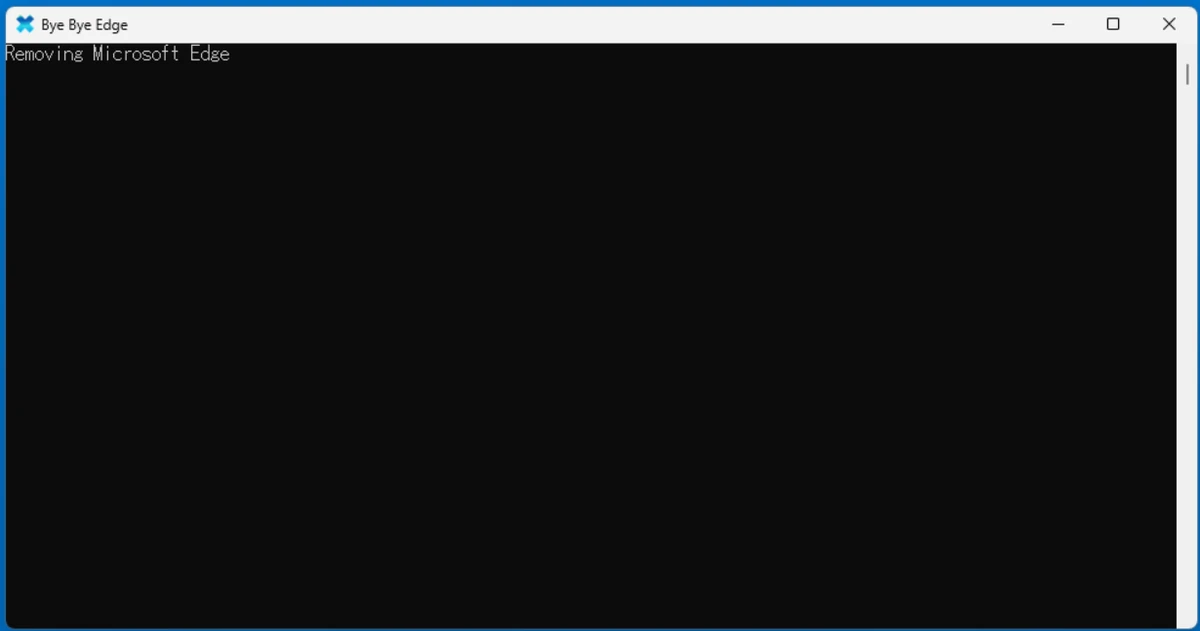

Microsoft Edge Remover is a small utility designed for Windows users who want to remove Microsoft Edge from their system. It supports removing both the Chromium-based Edge and the UWP version, offering a simple interface for system-level modification tasks.
Overview of Edge Remover
Microsoft Edge Remover is a system utility focused on uninstalling Microsoft Edge from Windows 10 and Windows 11. It provides two usage modes: a command-line version and a graphical user interface (GUI), making it accessible for both advanced users and beginners. The tool allows users to choose different removal options, including whether or not to create a system restore point before proceeding. This is important because removing built-in components of Windows can affect system stability and functionality.
As a lightweight tool (around 1.4 MB), it is designed to perform a single task: removing Microsoft Edge from the operating system.
Features of Edge Remover
- Removes Microsoft Edge Chromium from Windows systems
- Supports removal of Edge UWP (legacy version)
- Available in both CLI and GUI versions
- Optional system restore point creation before removal
- Lightweight application with minimal system impact
- Compatible with Windows 10 and Windows 11
- Requires administrator privileges for execution
Using the script
ATTENTION! Before using the script you must check nexr things:
If you applied EdgeBlocker (Sordum software) before to apply this script, you must disable or undo modifications before to apply this script.
Download the script from the Releases to some folder: C:\path\to\file\Remove.Edge.ps1 To run the script start a PowerShell session as administrator (right click --> "Run as administrator"). Go to the path: cd 'C:\path\to\file\ Run the script: .\Remove.Edge.ps1
Conclusion
Microsoft Edge Remover is a specialized utility for users who want to remove Microsoft Edge from Windows systems. While it is simple and effective, it should be used with caution due to the potential impact on system stability.


