


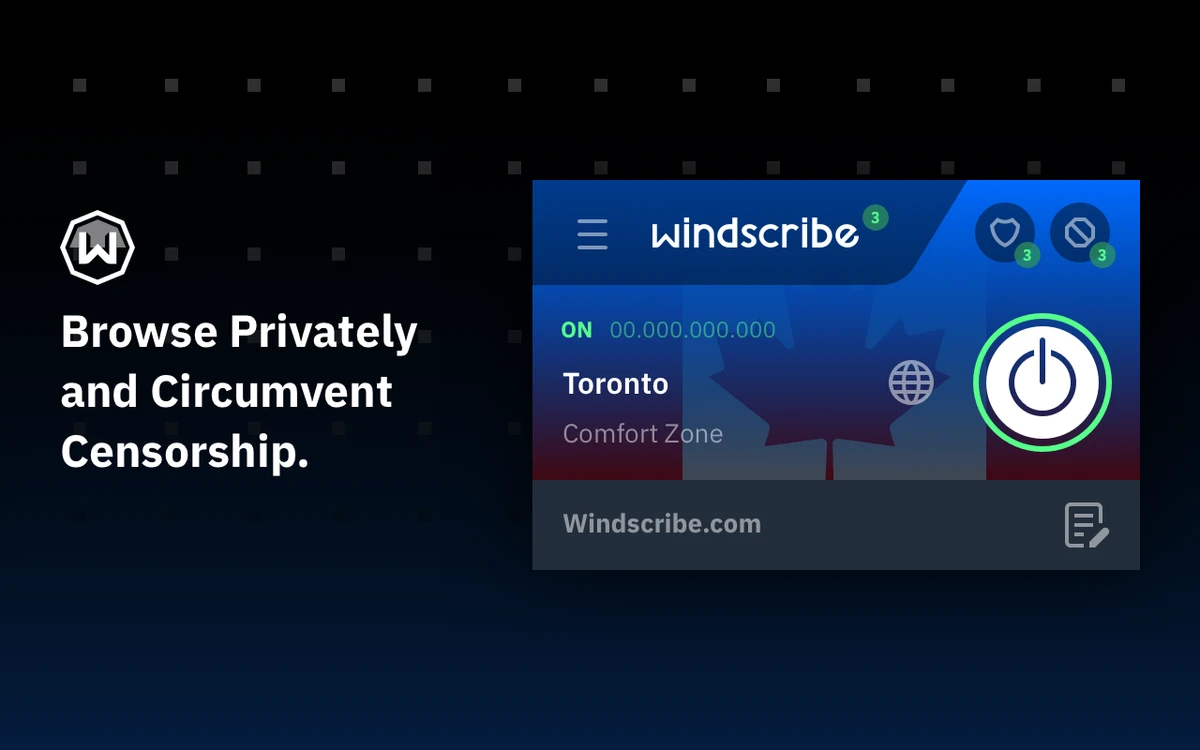

Windscribe VPN is a privacy-focused virtual private network (VPN) service designed to help users browse the internet securely while protecting their online identity. Available for Windows as well as browsers including Chrome, Firefox, Edge, and Opera, the service also supports Linux, Android, Amazon Fire TV, routers, and other platforms, making it a versatile solution for users with multiple devices.
The application works by masking your IP address, encrypting your internet connection, and allowing access to content that may be restricted based on geographic location. Beyond standard VPN functionality, Windscribe integrates privacy features such as ad and tracker blocking, malware protection, cookie monitoring, and browser fingerprinting defenses. These tools help reduce online tracking while improving the overall browsing experience.
Windscribe also offers a free plan that includes up to 10 GB of monthly data for users who verify their email address, with access to servers in multiple countries including the United States, Canada, the United Kingdom, Germany, France, the Netherlands, Switzerland, Norway, Romania, and Hong Kong. Users requiring unlimited bandwidth and a larger server network can upgrade to the Pro plan, which provides access to servers in more than 110 cities across 62 countries.
Features of Windscribe VPN
- Masks your IP address for greater online privacy
- Secure VPN connections for anonymous browsing
- Available for Windows, Linux, Android, Chrome, Firefox, Edge, and Opera
- Additional support for Amazon Fire TV, routers, and other platforms
- Ad and tracker blocking
- Malware website blocking
- Social media tracker blocking
- Customizable whitelisting
- Location API spoofing
- WebRTC leak protection
- Time zone spoofing
- Browser notification blocking
- User-Agent spoofing to help reduce browser fingerprinting
- Cookie monitoring and automatic cookie cleanup
- Access to servers in multiple countries
- Free plan with up to 10 GB of monthly data after email verification
Interface and Usability
After using Windscribe VPN, I found the desktop application clean and easy to navigate. Connecting to a server requires only a few clicks, and the server list is organized clearly, making it simple to switch between available locations.
The browser extensions integrate well with supported browsers and provide quick access to privacy features such as ad blocking and tracker protection. Settings for features like whitelisting and notification blocking are organized logically, allowing users to customize their browsing experience without feeling overwhelmed. Whether you're new to VPNs or have previous experience, the interface remains approachable while still offering useful privacy controls.
Who Should Use Windscribe VPN?
- Users who want to browse privately online
- Anyone looking to hide their IP address
- People accessing geo-restricted content
- Users seeking built-in ad and tracker blocking
- Travelers connecting through public Wi-Fi networks
- Individuals looking for a VPN with a free usage tier
- Users who need VPN support across multiple devices and browsers
Conclusion
Windscribe VPN combines secure browsing with a strong collection of privacy tools that extend beyond standard VPN functionality. Features such as ad blocking, malware protection, WebRTC leak prevention, and browser privacy controls make it a well-rounded choice for users who want greater control over their online activity.


