


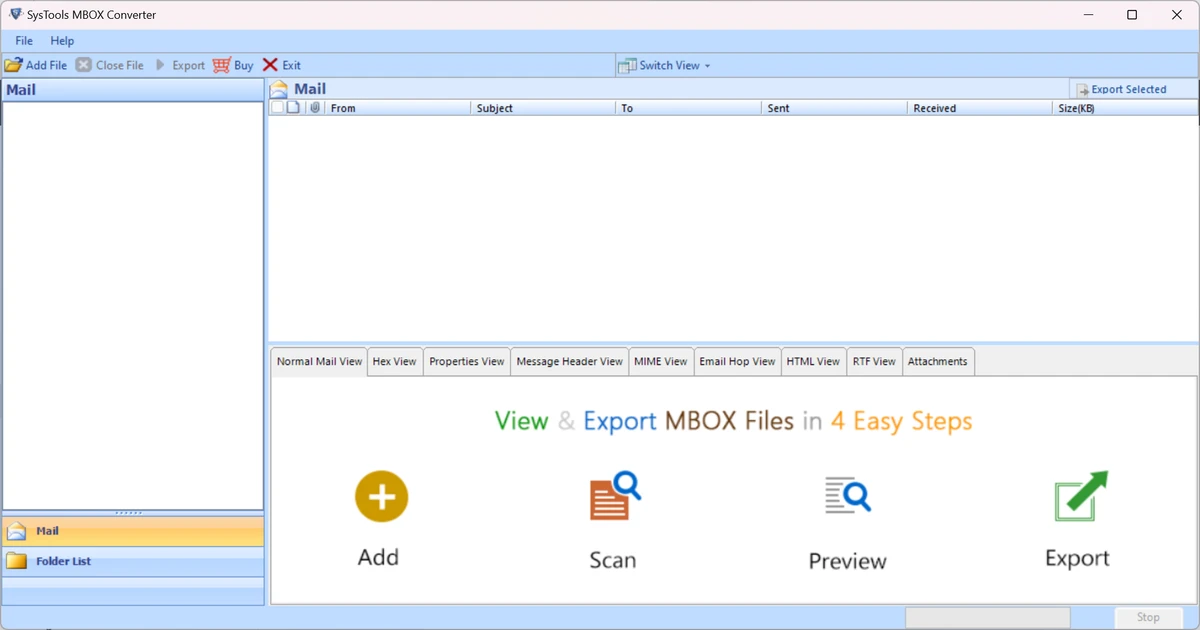

SysTools MBOX Converter is a specialized email migration utility designed to convert MBOX, MBS, and MBX mailbox files into multiple accessible formats. It supports data extraction from over 20 email clients and allows users to export emails in bulk while preserving attachments and folder structures. The software is built for users who need to migrate or back up email data from legacy mailbox formats into more widely used file types or email systems.
Features of SysTools MBOX Converter
- Batch conversion of multiple MBOX files
- Supports MBOX, MBS, and MBX formats
- Converts emails from 20+ email clients
- Export MBOX files into multiple output formats
- Maintains email attachments during conversion
- Option to convert single or multiple files
- Ability to recover and restore deleted emails (from MBOX files)
- Flexible output generation (single or multiple files)
- Advanced export settings for different formats
- Works with mailbox files from various email applications
User Experience
SysTools MBOX Converter follows a wizard-style workflow that simplifies the process of importing and converting mailbox files. Users can load single or multiple MBOX files, select the desired output format, and initiate batch conversion with minimal configuration. The interface is straightforward and focused on functionality rather than design complexity. Most tasks are performed through guided steps, making it accessible even for users who are not deeply familiar with email file structures.
Batch processing is one of the most useful aspects of the tool, especially for organizations or users migrating large volumes of email data. Attachments are preserved during conversion, which is essential for maintaining data integrity across formats. While the tool is effective at conversion tasks, it is strictly utility-focused and does not function as a full email client for day-to-day communication.
Who Should Use SysTools MBOX Converter?
- IT administrators managing email migrations
- Users switching email platforms
- Organizations archiving email data
- Professionals handling legacy mailbox formats
- Anyone needing bulk MBOX file conversion
Conclusion
SysTools MBOX Converter is a practical tool for converting and migrating MBOX email data into multiple formats while preserving attachments and structure. It is especially useful for enterprise environments or users dealing with legacy email systems.


