


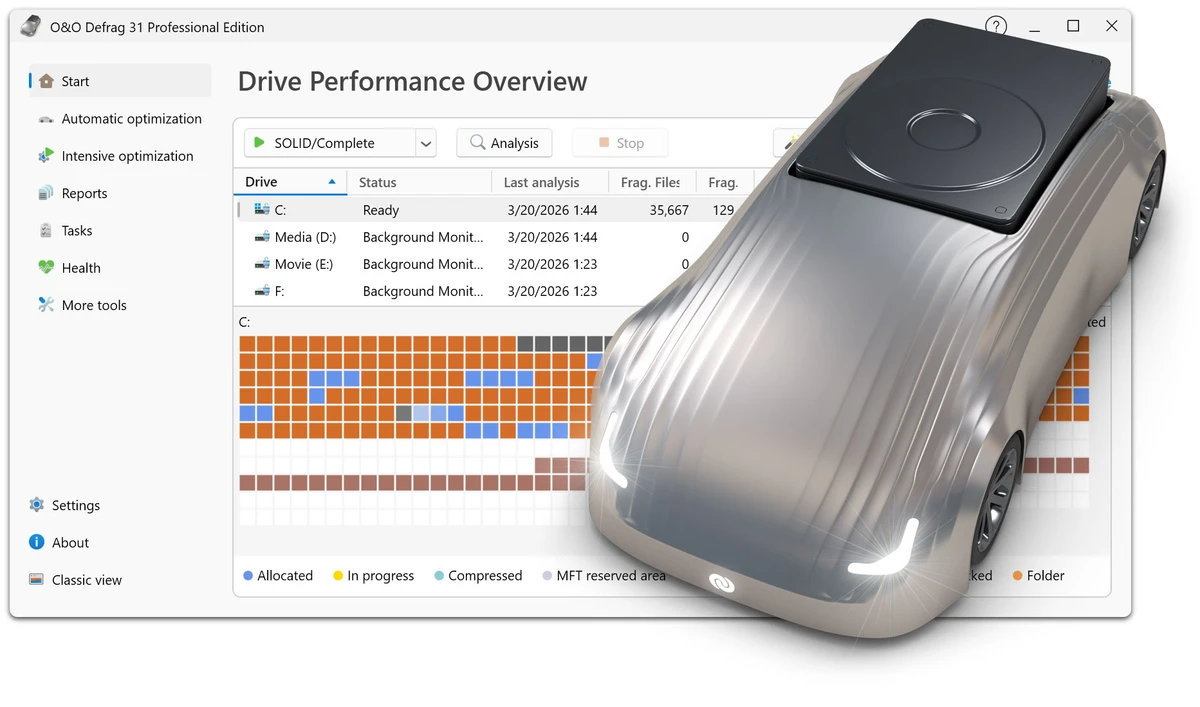

O&O Defrag Professional is a comprehensive disk optimization utility designed to improve the performance and longevity of Windows storage devices. It intelligently reorganizes fragmented files on traditional hard drives while applying SSD-friendly optimization methods that avoid unnecessary write operations. Beyond defragmentation, the software includes startup management, disk cleanup, drive health analysis, and automatic background optimization, making it a complete storage maintenance solution for both home users and professional environments.
Features of O&O Defrag Professional
- Intelligent HDD defragmentation
- SSD-optimized maintenance without unnecessary write operations
- Automatic detection of HDD and SSD drives
- One-click optimization with recommended settings
- Fully automatic background optimization
- Scheduled and event-based optimization
- Boot-time optimization for locked system files
- Multiple defragmentation strategies
- Consolidation of fragmented files and free space
- Optimization of folder and directory structures
- Improved file access times
- Low-priority background operation
- Automatic pause during active system use
- Detailed fragmentation analysis and optimization history
O&O VisualDisk
- Visualizes write activity on SSDs and NVMe drives
- Demonstrates how optimization reduces unnecessary write operations
- Helps users understand storage behavior and drive performance
O&O StartupManager
- Displays startup programs, services, and scheduled tasks
- Shows startup impact for each item
- Identifies unnecessary startup entries
- Removes defective startup entries
- Improves Windows boot time
System Maintenance
- Checks drives for inconsistencies
- Detects Windows system file errors
- Repair function for supported issues
- Built-in O&O DiskCleaner removes:
- Temporary files
- Internet cache
- Unnecessary system files
Software Cleanup
- Displays installed applications
- Easily uninstall unused software
- Helps recover storage space
Automation
- Background optimization
- Scheduled optimization
- Idle-time optimization
- Automatic fragmentation threshold detection
- Per-drive scheduling
- Resume interrupted optimization jobs
Drive Support
- NTFS volumes
- Internal and external drives
- Large storage devices
- Mixed SSD and HDD systems
- Native ARM, Intel, and AMD processor support
User Experience
O&O Defrag Professional offers two interface modes designed for different types of users. The modern view simplifies storage optimization into a one-click experience, while the classic interface exposes advanced configuration options for experienced users who want greater control over optimization strategies. The automatic mode requires minimal interaction, quietly maintaining drives in the background without interrupting everyday work. Resource management is handled intelligently, allowing optimization to pause when system activity increases and resume when resources become available.
The addition of O&O StartupManager makes the software more than just a defragmentation tool. Users can easily identify startup applications that negatively affect boot times and disable unnecessary entries with a few clicks. Another notable feature is O&O VisualDisk, which provides a visual representation of storage activity on SSDs and NVMe drives. This helps users better understand how optimization contributes to long-term drive health.
Built-in maintenance tools such as DiskCleaner, drive error detection, and software management further expand the application's usefulness, reducing the need for multiple maintenance utilities. Overall, O&O Defrag Professional combines automation, transparency, and advanced optimization into a polished user experience suitable for both beginners and power users.
Who Should Use O&O Defrag Professional?
- Windows users seeking long-term storage optimization
- Users with traditional hard drives that benefit from defragmentation
- Professionals managing mixed HDD and SSD systems
- Power users who want detailed optimization controls
- Businesses maintaining multiple workstations
- Anyone looking to automate disk maintenance
Conclusion
O&O Defrag Professional goes far beyond traditional disk defragmentation by offering intelligent optimization tailored to modern storage technologies. Its combination of automated maintenance, startup management, drive health monitoring, and storage cleanup makes it a valuable system maintenance tool for both personal and professional use.


