



DecSoft HTML Compiler is a development utility that allows users to convert modern HTML applications into standalone Windows executable files. It is designed for developers working with Single Page Apps (SPAs) and other HTML-based projects who want to distribute their work as desktop applications without requiring users to install a browser or extract source files.
Overview
DecSoft HTML Compiler focuses on packaging HTML applications into secure, self-contained Windows executables for both 32-bit and 64-bit systems. The compiled apps run inside a Chromium-based environment, ensuring modern web compatibility while maintaining desktop-style distribution.
A key aspect of the tool is that the original application files are not extracted on the user’s computer, helping maintain a controlled runtime environment. It supports both graphical and command-line workflows, making it suitable for developers with different levels of technical preference. The tool is commonly used for turning web-based projects like ebooks, quizzes, presentations, games, and photo galleries into installable desktop applications.
Features of DecSoft HTML Compiler
- Converts modern HTML applications into Windows executable files
- Supports both 32-bit and 64-bit Microsoft Windows systems
- Uses a Chromium-based runtime environment for app execution
- Designed for Single Page Apps (SPAs) and modern HTML projects
- Source files remain protected and are not extracted by default
- Includes graphical user interface for easy compilation
- Command-line interface (CLI) support for automation workflows
- Supports a wide range of HTML-based applications (ebooks, games, quizzes, galleries, presentations)
- External JavaScript features to extend functionality (file writing, program execution, folder access)
- Minimal interface interference to preserve original app design
What’s New
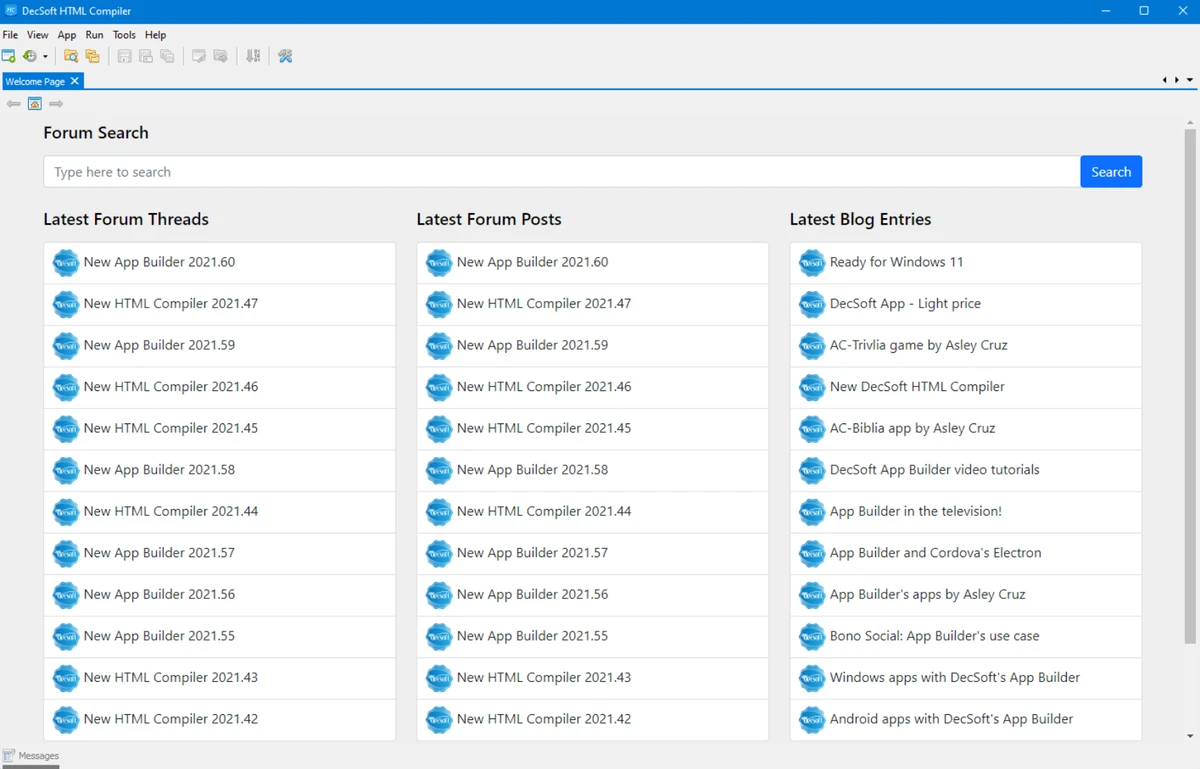
The latest update includes improvements to the Font Awesome JavaScript library, upgraded to version 7.3.0. This update introduces new icons, animations, and general enhancements, along with updates across documentation and interface components such as the welcome screen, help section, and AI tools chat.
User Experience
Using DecSoft HTML Compiler feels straightforward for developers who already work with HTML applications. The process mainly revolves around selecting the application’s entry file (typically index.html) and compiling it into a Windows executable. The dual support for GUI and command-line usage makes it flexible for both manual builds and automated workflows. The Chromium-based runtime ensures that modern web applications behave consistently when converted into desktop programs. For developers distributing web-based applications as offline desktop software, the tool provides a practical and structured workflow without requiring major changes to existing HTML projects.
Who Should Use DecSoft HTML Compiler?
This tool is best suited for web developers and software creators who want to distribute HTML-based applications as standalone Windows programs. It is particularly useful for those building SPAs, interactive content, educational tools, or lightweight desktop apps using web technologies.
Conclusion
DecSoft HTML Compiler offers a practical bridge between web development and desktop application distribution. By packaging HTML projects into Windows executables with a Chromium-based runtime, it enables developers to deliver web apps in a more traditional software format.


