


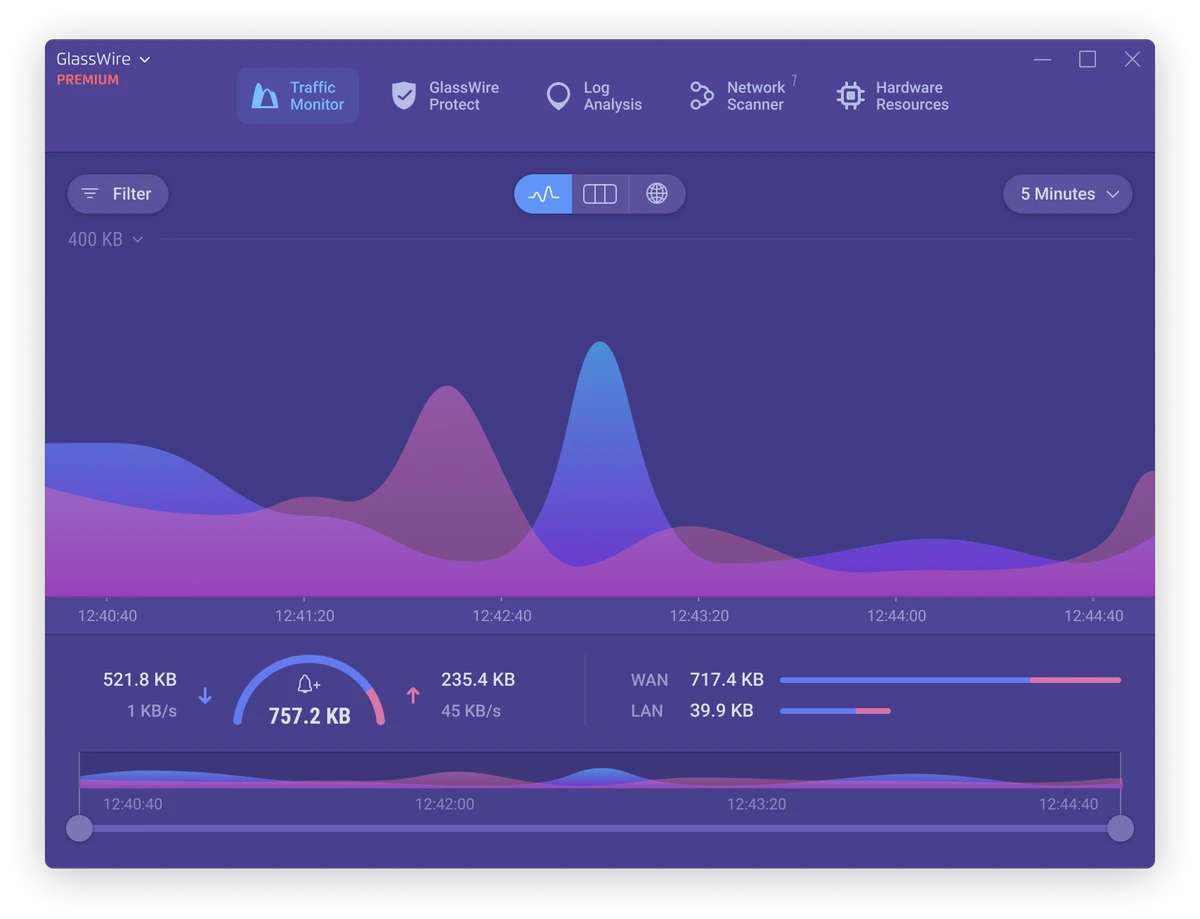

GlassWire is a network monitoring and security application that helps users visualize internet activity, detect unusual network behavior, and protect their privacy. Instead of relying solely on traditional antivirus scanning, it continuously monitors incoming and outgoing connections, notifying users when suspicious activity or unexpected network changes occur.
Alongside real-time monitoring, GlassWire includes bandwidth tracking, internet privacy tools, remote server monitoring, and a historical network timeline, making it useful for both home users and IT professionals.
Features of GlassWire
- Real-time network activity monitoring
- Alerts for unusual internet behavior
- Detects potential malware or privacy threats through network analysis
- Interactive network traffic graph
- View applications accessing the internet
- Display remote servers and their geographic locations
- Daily, weekly, and monthly bandwidth usage monitoring
- Internet privacy monitoring
- Historical network activity timeline ("Network Time Machine")
- Remote server monitoring
- Lightweight notification system designed to minimize interruptions
Premium Features
Paid editions add additional capabilities, including:
- Extended network history
- Remote connection management
- Ask to Connect notifications
- Lockdown Mode
- Mini network graph
- Wi-Fi and local network device discovery
- Additional interface themes
- Hide application activity
User Experience
GlassWire presents network activity through an intuitive graphical interface that makes complex connection data easy to understand. Instead of displaying raw logs, it visualizes traffic over time, allowing users to identify unusual spikes or unfamiliar connections with minimal effort. One of its most valuable features is the alert system. Whenever new applications begin communicating over the internet or suspicious network behavior is detected, GlassWire generates detailed notifications that provide enough context for users to investigate further without becoming intrusive.
The application also makes it simple to see which programs are consuming bandwidth and which servers they communicate with. Geographic information adds another layer of visibility, helping users better understand where their data is being transmitted. For users managing multiple computers or servers, remote monitoring capabilities available in premium editions provide centralized visibility into network activity.
While GlassWire excels at monitoring and reporting, it is not designed to function as a full endpoint security suite. It offers limited control over Windows services and processes, and stopping certain processes does not permanently prevent them from restarting after a reboot. Resource usage is somewhat higher than basic network monitoring tools, particularly when maintaining detailed historical network data.
Who Should Use GlassWire?
- Privacy-conscious users
- Home users monitoring internet activity
- IT administrators
- Small business users
- Professionals managing remote servers
- Users troubleshooting bandwidth usage
- Anyone wanting better visibility into application network connections
Conclusion
GlassWire offers a practical approach to network security by helping users understand what their computers are doing online. Its clear visualizations, bandwidth tracking, and timely security alerts provide valuable insight into internet activity without overwhelming users with technical details.


