


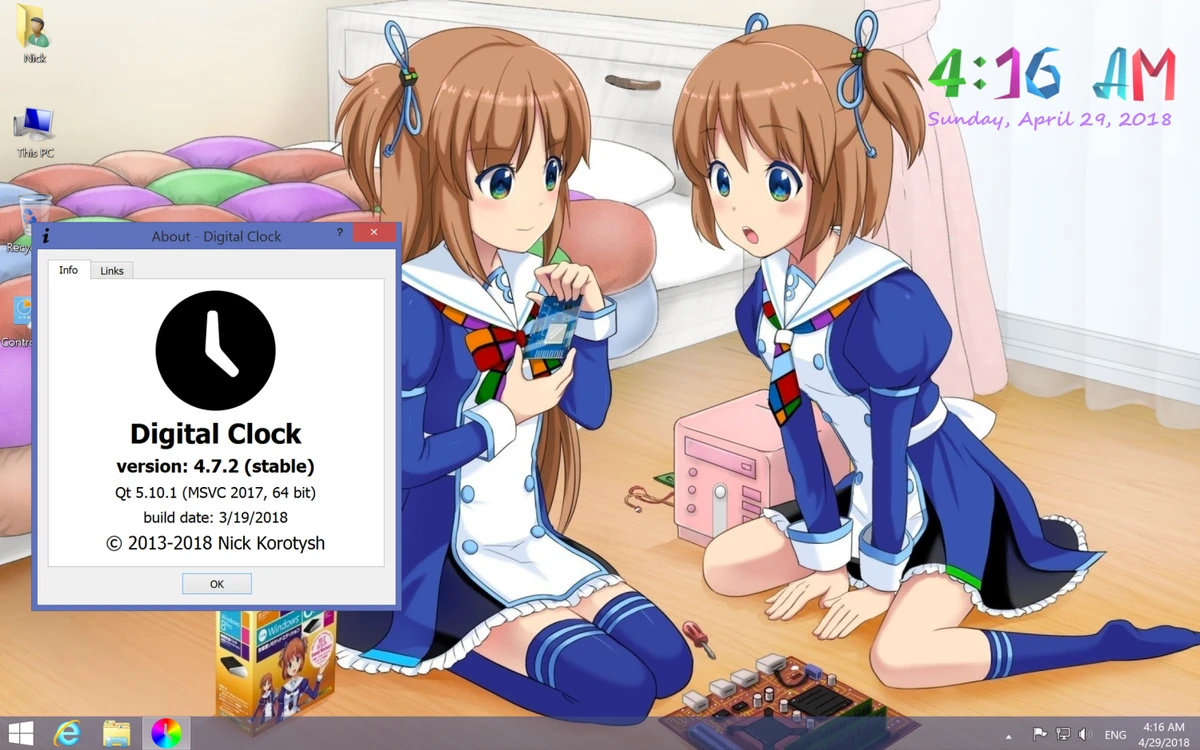

Digital Clock is a lightweight desktop utility designed to display a customizable digital clock directly on your screen. It runs quietly in the system tray and allows users to place a clock widget anywhere on the desktop for quick time visibility and basic time management features. With support for skins, alarms, and visual customization, it aims to enhance the desktop experience without consuming significant system resources.
Overview
Digital Clock focuses on simplicity and desktop personalization. It provides a floating clock interface that can be repositioned, resized, and styled according to user preferences. The software is designed for users who want more than a basic system clock, offering visual customization options such as themes and textures, along with functional tools like alarms and shutdown scheduling. Despite its feature set, it remains lightweight and easy to use, making it suitable for both beginners and casual users.
Features of Digital Clock
- Floating digital clock on the desktop
- System tray operation with quick access controls
- Adjustable position anywhere on the screen
- Always-on-top mode for constant visibility
- Opacity and size customization
- Multiple clock skins (e.g., Vintage Digits, Binary Clock, Origami Style, Floral Digits)
- Font customization (type, style, size)
- Background texture support with colors or custom images (BMP, JPG, PNG, TIFF, XBM, XPM)
- Tile or stretch display modes for backgrounds
- Configurable time format options
- Automatic update checking
- Alarm support with MP3 audio or URL-based triggers
- Custom messages and reminders
- System actions such as scheduled shutdown
- Plugin support for extended functionality
User Experience
Digital Clock is designed with ease of use in mind. Installation and setup are straightforward, and most users can start customizing the clock within minutes. The interface is simple and focuses on practical configuration options rather than complex settings. Drag-and-drop positioning and quick toggles for visibility make it convenient for everyday use. Performance-wise, the application is lightweight and runs quietly in the background without noticeable system impact, even on older Windows machines.
System Requirements
- Windows 7, 8, 10, 11
Who Should Use Digital Clock?
- Users who want a customizable desktop clock widget
- People who prefer visual desktop enhancements
- Users needing simple alarms and reminders
- Anyone looking for a lightweight time management tool
- Windows users who want extra functionality beyond the system clock
Conclusion
Digital Clock is a simple yet effective desktop enhancement tool that adds both style and functionality to the Windows environment. Its customization options, alarm features, and lightweight design make it a practical choice for users who want a more personalized and functional desktop clock.


