


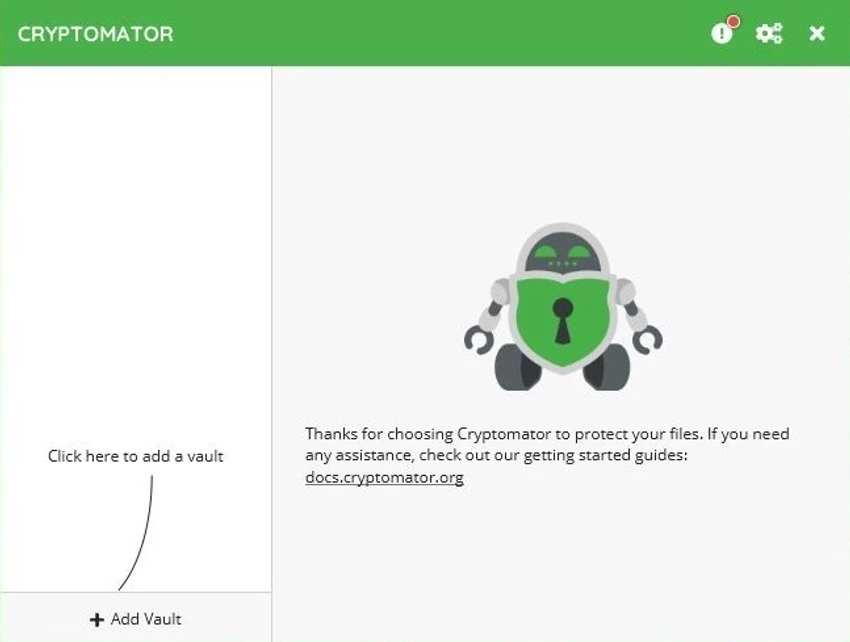

Cryptomator is a free and open-source client-side encryption tool designed to protect files stored in cloud services. Instead of trusting cloud providers with unencrypted data, Cryptomator encrypts your files before they are uploaded, ensuring only you can access their contents. Compatible with virtually any cloud storage provider, Cryptomator creates encrypted vaults that function as virtual drives, making it easy to manage protected files using Windows File Explorer while maintaining complete control over your data.
Features of Cryptomator
- Free and open-source client-side encryption
- Compatible with any cloud storage provider
- Creates encrypted vaults for secure file storage
- Virtual drive integration for easy file access
- Automatic file encryption and decryption
- Encrypts individual files instead of entire containers
- AES encryption for strong data protection
- Master password to unlock encrypted vaults
- Supports local storage on hard drives and USB devices
- Works without requiring cloud synchronization
User Experience
Cryptomator offers a clean and practical approach to securing sensitive files. After creating an encrypted vault, it appears as a virtual drive that behaves like any other folder in Windows. Adding, editing, or deleting files is as simple as dragging and dropping them through File Explorer, while encryption happens automatically in the background. One aspect I particularly appreciated is its file-based encryption model. Unlike traditional encrypted containers that require syncing an entire archive after every modification, Cryptomator encrypts each file individually. This means only the files that change need to be synchronized, making it far more efficient when working with cloud storage services.
The software requires only a master password to unlock a vault, keeping daily use straightforward without sacrificing security. Once unlocked, working with encrypted files feels nearly identical to using a standard folder. Cryptomator is equally useful for users who do not rely on cloud storage. Encrypted vaults can be stored on internal drives or portable USB devices, providing an extra layer of protection for local files as well.
Because the application focuses solely on encryption, it does not include cloud synchronization, backup scheduling, or file-sharing features. Instead, it integrates seamlessly with your preferred storage solution.
Who Should Use Cryptomator?
- Users storing sensitive files in cloud services
- Privacy-conscious individuals
- Professionals handling confidential documents
- Remote workers
- Small businesses protecting cloud data
- Anyone wanting client-side encryption without changing cloud providers
Conclusion
Cryptomator is an outstanding choice for anyone who wants complete control over the privacy of their cloud-stored files. Its straightforward virtual vault system, strong AES encryption, and efficient file-by-file encryption make securing sensitive data remarkably simple.


