


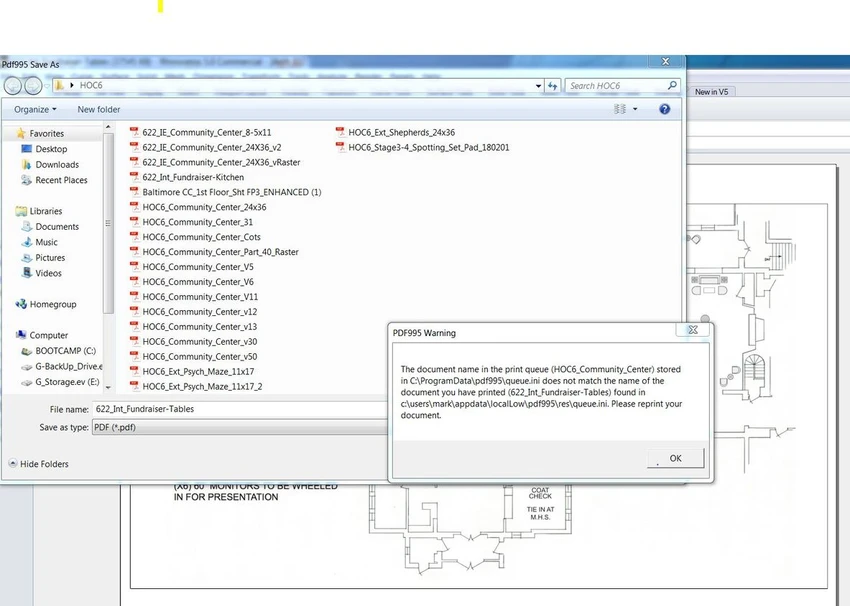

Pdf995 is a lightweight virtual printer that allows you to create PDF files from virtually any Windows application with printing support. Instead of using a dedicated PDF converter, the software integrates directly into the Print menu, making PDF creation quick and familiar. During my experience with the software, I found it particularly suitable for users who want a simple way to generate PDF documents without learning a complex interface.
Features of Pdf995
- Create PDF files from any application that supports printing.
- Access the software directly through the standard Print function.
- Specify the output folder for generated files.
- Customize the name of the intermediate PRN file and the final PDF document.
- Produces high-quality PDF output.
- Uses very little CPU and RAM during the conversion process.
- Performs PDF creation quickly with minimal system impact.
User Experience
Pdf995 Printer Driver keeps the PDF creation process straightforward. After installation, the software becomes available through the Windows Print dialog, eliminating the need to open a separate application. When printing a document, I simply selected the virtual printer, chose the option to print to a file, specified the output location, and assigned a filename. The workflow felt familiar because it closely follows the standard printing process used by most Windows applications. Performance was another positive aspect. The software consumed very little CPU and memory while generating PDF files, and the conversion completed quickly. Throughout my testing, the application remained stable without freezes or unexpected errors.
Who Should Use Pdf995 Printer Driver?
- Users who need to convert printable documents into PDF format.
- Office users creating PDF versions of reports or documents.
- Students printing assignments as PDF files.
- Anyone looking for a lightweight virtual PDF printer with a simple workflow.
Conclusion
Pdf995 Printer Driver focuses on one job—creating PDF files from any application that supports printing—and it performs that task efficiently. Its lightweight design, familiar print-based workflow, and ability to generate high-quality PDF documents make it a practical choice for users who prefer a straightforward PDF creation tool.


