


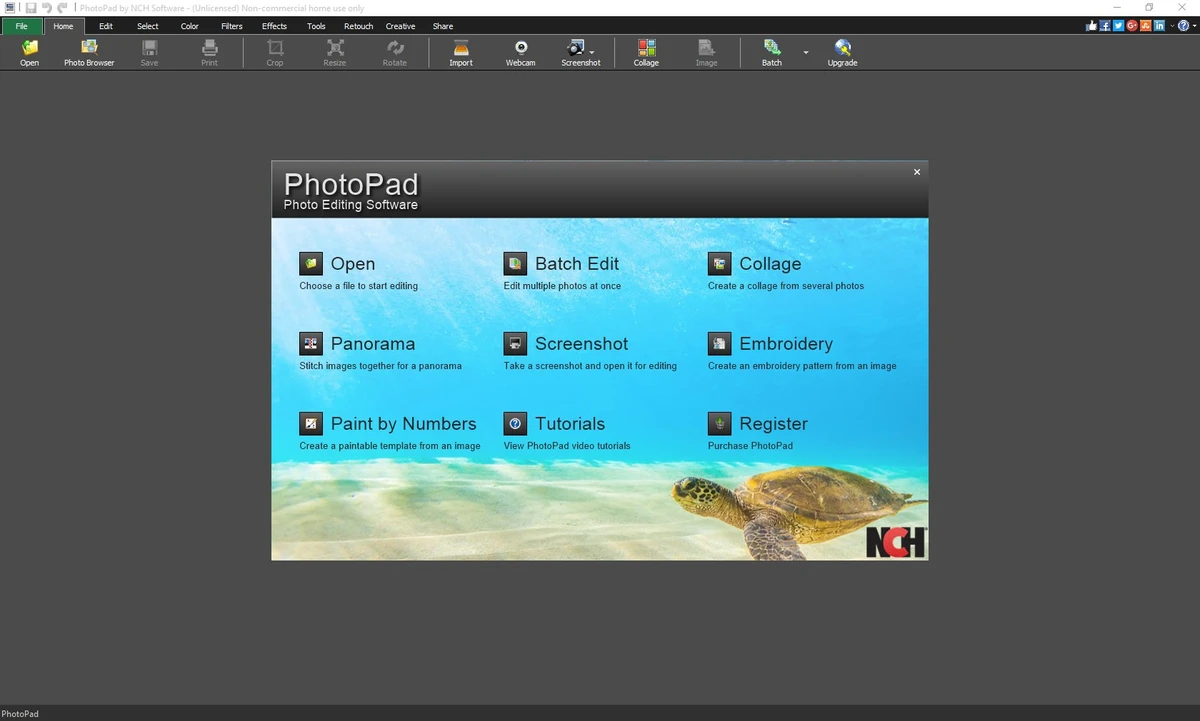

PhotoPad Photo Editor is a versatile image editing software designed for both professional photographers and casual users who want to improve their digital photos. The software combines essential editing tools with creative features, making it suitable for everything from basic photo corrections to more advanced image enhancement projects. Available for Windows 7 and later, PhotoPad supports a wide range of popular image formats and provides a streamlined workflow for editing, organizing, and sharing photos.
Features of PhotoPad Photo Editor
- Crop, rotate, resize, and flip images
- Remove red-eye and photo blemishes
- Apply creative effects such as oil paint, cartoon, vignette, and sepia
- Improve image quality with blur, sharpening, and noise reduction tools
- Adjust color settings, including hue, saturation, brightness, and contrast
- Create photo collages and photo mosaics
- Stitch multiple images together to create panoramas
- Support for JPG, GIF, PNG, and other popular image formats
- Add text and captions to photographs
- Insert artwork from the built-in clipart library
- Add frames and borders to images
- Use liquid resize technology to change aspect ratios without distorting important image elements
- Perform non-destructive editing through layer-based effect management
- Upload edited photos directly to Facebook or Flickr
User Experience
During my experience with PhotoPad Photo Editor, I found the software focused on making common photo editing tasks accessible without sacrificing useful functionality. Basic operations such as cropping, resizing, rotating, and color adjustments are straightforward and easy to apply. The retouching tools are particularly helpful for improving portraits, allowing quick removal of red-eye and minor blemishes. Creative users will appreciate the collection of built-in effects, which can transform ordinary images into stylized artwork with just a few clicks.
One standout feature is the non-destructive editing system. Since effects can be modified individually through the layers list, it is easy to experiment with different adjustments without permanently altering the original image. PhotoPad also goes beyond basic editing by including panorama stitching, collage creation, and photo mosaic tools, making it a practical choice for users who want more creative flexibility from a single application.
Who Should Use PhotoPad Photo Editor?
- Casual users who want to improve personal photos
- Content creators needing quick image enhancements
- Photography enthusiasts looking for retouching tools
- Users creating collages, mosaics, or panorama images
- Anyone seeking a Windows-based image editor with both basic and advanced features
Conclusion
PhotoPad Photo Editor offers a comprehensive set of photo editing tools that cater to both beginners and experienced users. From simple image corrections to creative projects such as collages and panoramas, the software provides plenty of functionality in a single package.


