


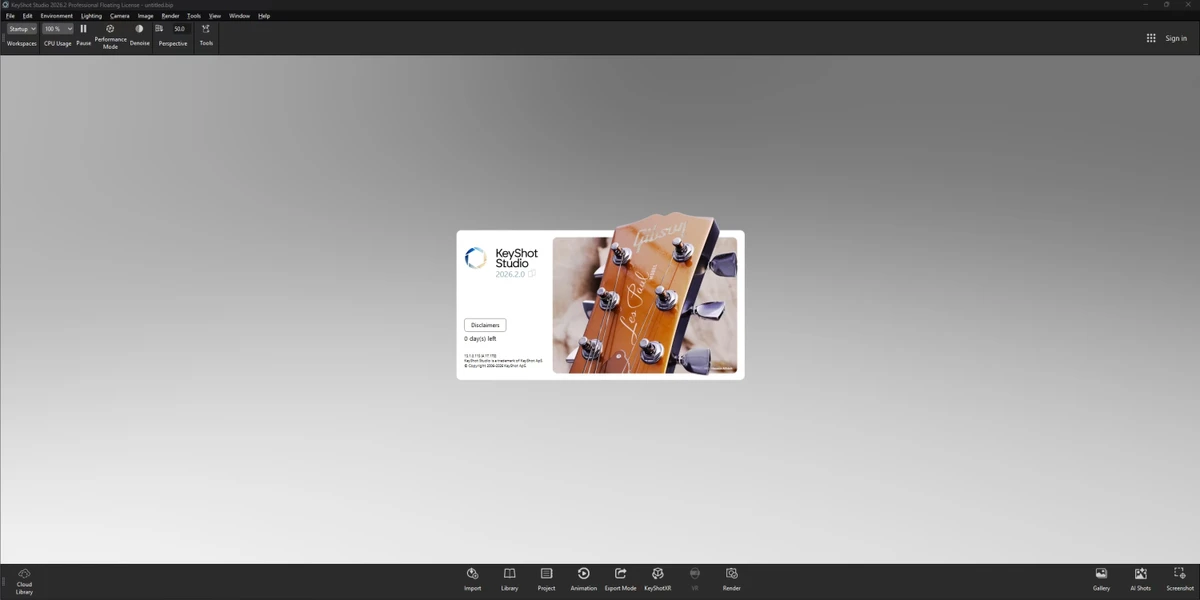

KeyShot is a professional 3D rendering and animation software designed to produce photorealistic visuals in real time. It is widely used by designers, engineers, and visualization artists to create high-quality product renders with accurate lighting, materials, and camera effects.
Overview
KeyShot focuses on real-time rendering and visualization workflows, allowing users to see changes instantly as they adjust materials, lighting, or camera settings. This makes it particularly useful in product design and development environments where fast iteration and visual accuracy are important. The software supports a wide range of 3D file formats and emphasizes ease of use, enabling users to move from concept models to polished visuals quickly. It also supports both CPU and GPU rendering, giving flexibility based on available hardware.
Features of KeyShot
- Real-time 3D rendering with instant visual feedback
- Photorealistic material and lighting system
- Wide support for 3D file formats
- CPU and NVIDIA GPU rendering support
- Scientifically accurate material appearance models
- Built-in material presets and customizable materials
- Advanced lighting tools for studio and complex scenes
- Animation capabilities for product visualization
- Interactive workflow for cameras, materials, and scene adjustments
- Ability to generate still images, animations, and interactive visuals
User Experience
KeyShot is designed with a workflow-first approach, making it relatively easy to learn compared to more complex 3D rendering platforms. Users can import a model, apply materials, and immediately see photorealistic results without lengthy rendering delays. The real-time feedback system is one of its strongest advantages, allowing designers to experiment freely with lighting and materials. This significantly speeds up iteration cycles in product design workflows. While it remains powerful enough for advanced users, its interface prioritizes simplicity and speed over technical complexity, making it accessible to both beginners and experienced visualization professionals.
System Requirements
- Windows 10/11 (64-bit)
- RAM: 4 GB minimum (16 GB+ recommended, 32 GB preferred)
- Disk Space: 2 GB
- GPU: OpenGL 2.0 capable system
- CPU: 8+ core Intel i7/i9 or AMD Ryzen 7/9 recommended
- Display: 1920 × 1080 or higher
- Internet connection required for activation
Who Should Use KeyShot?
- Product designers and industrial designers
- 3D artists and visualization specialists
- Engineers creating product prototypes
- Marketing teams producing product visuals
- Studios needing fast photorealistic rendering workflows
Conclusion
KeyShot is a powerful yet accessible real-time rendering solution that excels in producing high-quality visualizations quickly. Its combination of simplicity, speed, and photorealistic output makes it a strong choice for product design and visualization workflows.


