


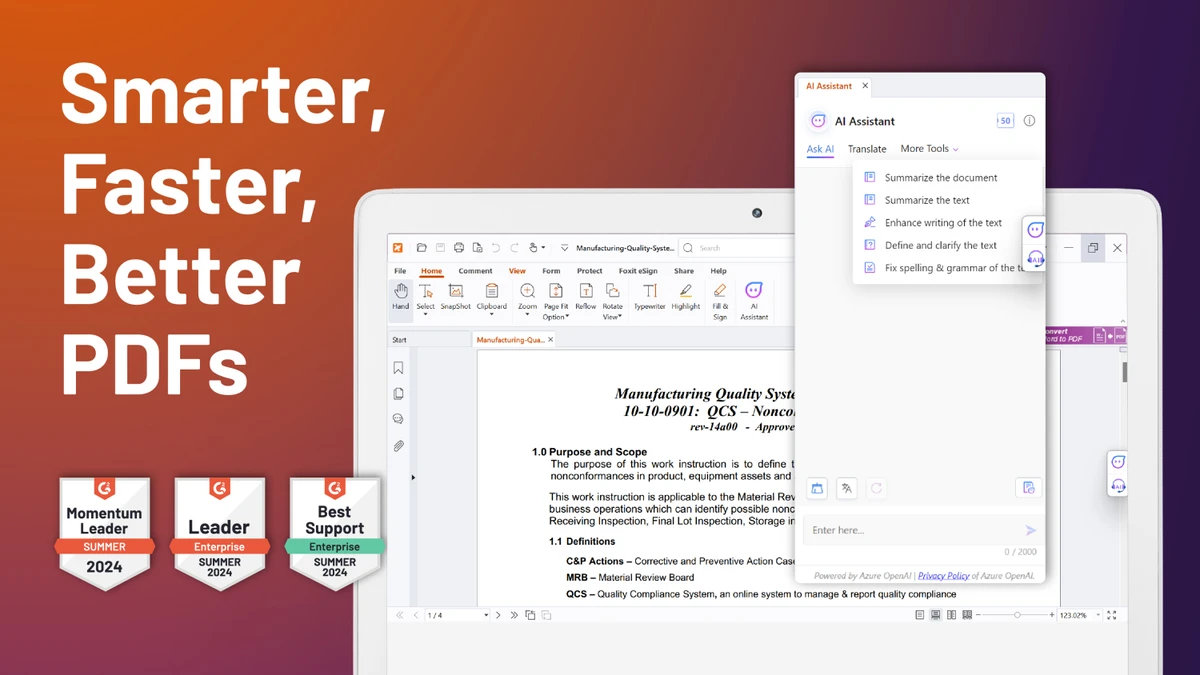

Foxit Reader is a lightweight PDF reader for Windows that combines fast document viewing with practical collaboration tools. Designed as an alternative to traditional PDF viewers, it focuses on quick startup, efficient memory usage, and a responsive reading experience while providing features such as annotations, form filling, commenting, and digital signature verification.
In addition to reading and printing PDF documents, Foxit Reader allows users to review files using highlights, notes, text boxes, and other markup tools. It also supports XFA forms, multimedia content, and protected PDF documents using Microsoft Active Directory Rights Management Services (RMS), making it suitable for both personal and business environments. Its combination of performance and document collaboration features makes Foxit Reader a capable solution for users who work with PDFs on a regular basis.
Features of Foxit Reader
- Fast PDF viewing and printing.
- Lightweight application with low memory usage.
- Multiple document viewing modes:
- Multi-tab browsing
- Single Document Interface (SDI)
- Multiple Document Interface (MDI)
- PDF annotation tools:
- Notes
- Highlights
- Underlines
- Comments
- Typewriter tool for filling forms.
- Text box and callout tools.
- Measure tool for distances and areas.
- Supports XFA (XML Forms Architecture) form filling.
- Digital signature verification.
- Microsoft Active Directory Rights Management Services (RMS) support.
- Spell checker for comments.
- Multimedia support:
- Images
- Movies
- Hyperlinks
- File attachments
- Text Viewer for displaying PDF text.
- Export PDF text to plain text files.
- Undo and Redo functionality.
Interface and Usability
Foxit Reader offers a clean and familiar interface that is easy to navigate, even for users who only need basic PDF viewing. Tabs make it convenient to work with multiple documents simultaneously, while alternative viewing modes provide flexibility depending on how users prefer to organize their workspace. Annotation tools are clearly organized and easy to access, allowing users to highlight text, add notes, and complete forms without unnecessary complexity. Despite offering a broad feature set, the application remains lightweight and responsive, helping users work efficiently with both small and large PDF files.
Who Should Use Foxit Reader?
- Students reading and annotating PDF documents.
- Business professionals reviewing contracts and reports.
- Office users filling out PDF forms.
- Organizations requiring digital signature verification.
- Users looking for a lightweight alternative to Adobe Acrobat Reader.
- Anyone who regularly reads, comments on, or prints PDF files.
Conclusion
Foxit Reader delivers an excellent balance between performance and functionality for users who need more than a basic PDF viewer. Its combination of fast document rendering, annotation tools, form filling, and security features makes it suitable for students, professionals, and organizations alike.


