


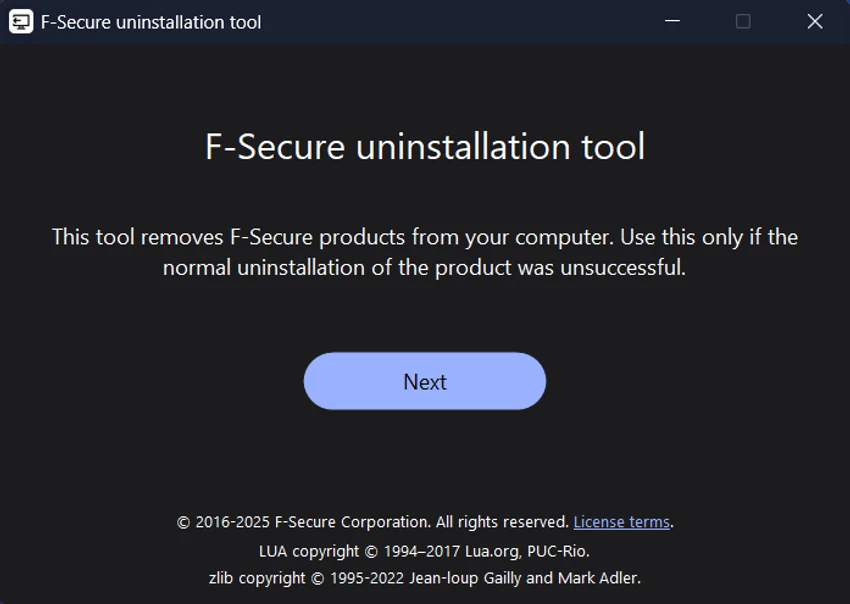

F-Secure Uninstallation Tool is a lightweight utility designed to completely remove F-Secure security products from Windows computers. It serves as a recovery solution when standard uninstall methods, such as Windows Settings or Control Panel, fail to remove the software properly. The tool automatically stops running F-Secure services, deletes associated files and folders, cleans related registry entries, and prepares the system for a clean reinstall or the installation of another antivirus solution.
Features of F-Secure Uninstallation Tool
- Completely removes supported F-Secure products.
- Designed for situations where normal uninstall methods fail.
- Stops active F-Secure services automatically.
- Cleans related Windows registry entries.
- Removes remaining files and folders.
- Prompts for a system restart to complete the removal process.
- Lightweight utility with a simple interface.
- Free to use.
User Experience
F-Secure Uninstallation Tool focuses on one task—completely removing F-Secure software—and performs it efficiently. The interface is minimal, making it easy to launch and run without complicated configuration. During the uninstall process, the tool automatically handles service termination, registry cleanup, and file removal, reducing the need for manual troubleshooting. After completion, a system restart is required to finalize the cleanup. Because the utility removes all traces of F-Secure products, it is particularly useful before reinstalling F-Secure or switching to another antivirus solution.
Who Should Use F-Secure Uninstallation Tool?
- Users experiencing problems uninstalling F-Secure software.
- Anyone preparing for a clean reinstall of F-Secure.
- Users switching from F-Secure to another antivirus solution.
- IT technicians troubleshooting damaged F-Secure installations.
Conclusion
F-Secure Uninstallation Tool is an effective solution for removing stubborn F-Secure installations that cannot be fully uninstalled through Windows. It automates the cleanup process by removing services, registry entries, and remaining files, helping ensure a clean system before installing new security software.


