


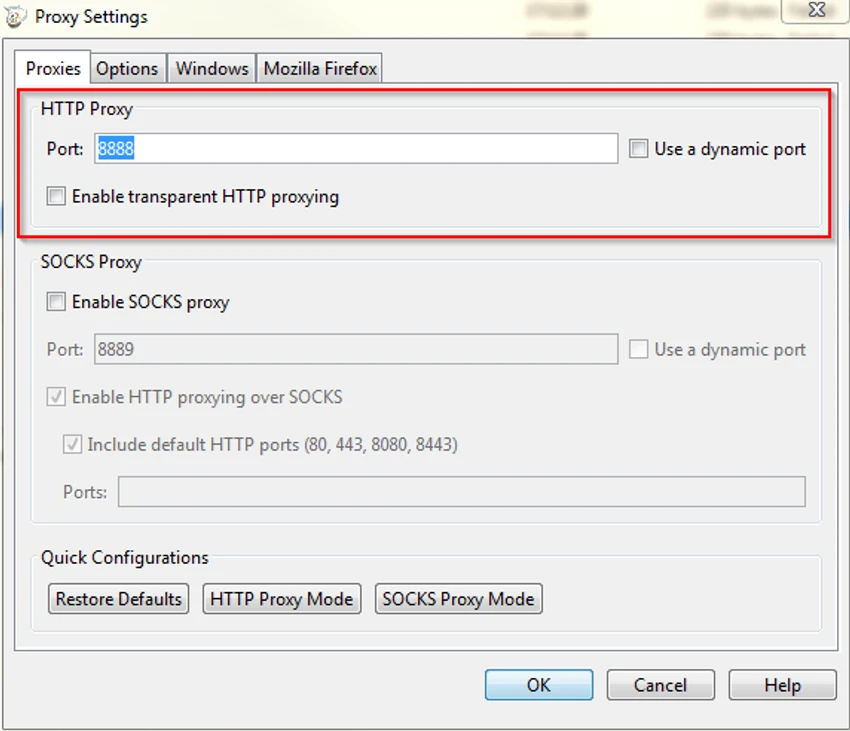

Charles is a web debugging proxy tool that runs locally on your computer and sits between your browser (or any internet application) and the internet. It captures and displays all HTTP and HTTPS traffic, allowing developers to inspect requests and responses in detail. It is widely used in web development and testing workflows where understanding network communication is essential for diagnosing bugs, optimizing APIs, or verifying backend behavior.
Overview
Charles works by routing your internet traffic through a local proxy, giving you full visibility into what is being sent and received between client and server. This makes it especially valuable for debugging web applications, APIs, and complex client-server interactions. Unlike basic network tools, Charles provides structured views of data such as JSON, XML, SOAP, and Flash Remoting (AMF), making it easier to understand and debug modern web traffic. It also includes advanced testing tools like request editing, breakpoints, and bandwidth simulation.
Features of Charles
- HTTP/HTTPS proxy for monitoring all web traffic
- SSL proxying to view encrypted HTTPS requests in readable form
- Bandwidth throttling to simulate slow or unstable internet connections
- AJAX debugging with structured views of XML and JSON data
- Support for SOAP, JSON-RPC, and AMF (Flash Remoting)
- Request and response editing for backend testing
- Breakpoints to intercept and modify live traffic
- Repeat requests to test server behavior under different conditions
- System proxy auto-configuration for browsers and applications
- Integration with validation tools like W3C for HTML/CSS checks
User Experience
Charles is clearly built for developers, QA engineers, and technical testers who need deep visibility into network activity. Once configured as a system proxy, it automatically captures traffic from supported applications, reducing setup friction after the initial configuration. The interface organizes requests in a structured timeline, making it easy to inspect individual sessions, compare requests, and trace issues across different API calls. Features like SSL proxying and request breakpoints significantly enhance debugging capability, especially when working with secure APIs.
However, because it operates at a relatively low network level, users must understand HTTP concepts to get the most out of it. For beginners, the learning curve can feel steep, but for developers it becomes an essential diagnostic tool.
Who Should Use Charles?
Charles is designed for technical users who work with web technologies, including:
- Web developers building frontend or backend applications
- API developers testing and debugging services
- QA testers validating network requests and responses
- Mobile app developers inspecting app-server communication
- DevOps engineers monitoring application behavior in real time
Conclusion
Charles is a highly effective network debugging tool that gives developers full visibility into web traffic. With features like SSL proxying, request editing, and bandwidth simulation, it is an essential utility for diagnosing complex web and API issues.


