


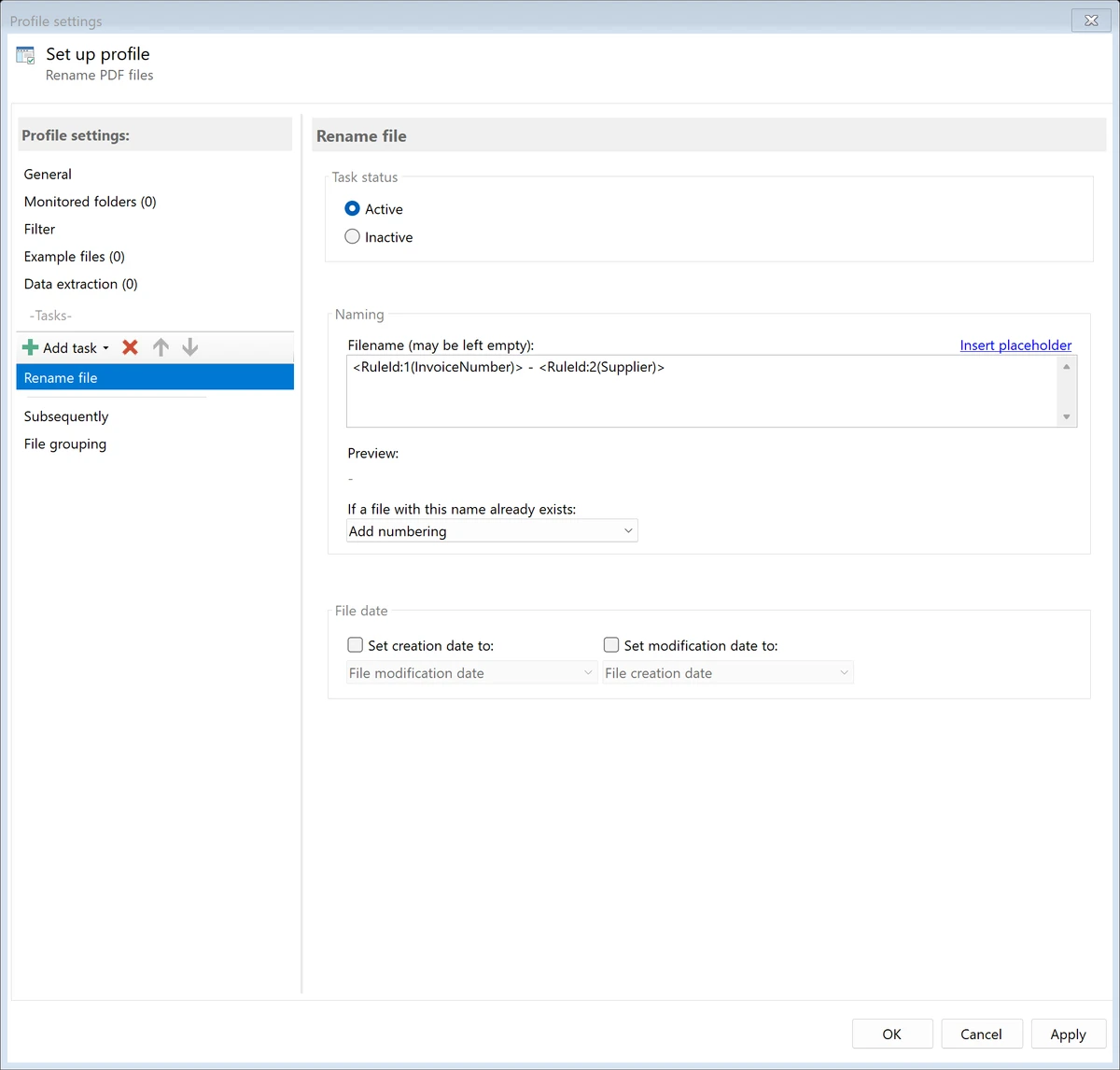

Automatic PDF Processor is a specialized PDF automation tool designed to streamline document handling tasks. It continuously monitors folders for incoming PDF files and automatically performs actions such as printing, renaming, moving, organizing, and extracting data based on user-defined rules. For businesses that handle large volumes of invoices, reports, quotations, and other PDF documents, the software helps eliminate repetitive manual tasks and improves document organization through automated workflows.
Features of Automatic PDF Processor
- Monitor unlimited folders for incoming PDF files
- Automatically rename PDF documents using custom rules
- Move and organize PDFs into dynamically created folders
- Filter documents using PDF metadata, file information, and document content
- Extract data directly from PDF text
- Create unlimited extraction rules within profiles
- Validate and format extracted data before use
- Export extracted information to CSV files
- Automatically print selected PDF documents
- Extract embedded attachments from PDF files
- Supports extraction of invoice-related attachments such as XML files
- Perform additional actions by launching external programs
- Process documents based on profile-specific automation rules
User Experience
After working with Automatic PDF Processor, its biggest strength becomes immediately apparent: automation. Instead of manually sorting, renaming, and processing PDF documents, the software handles these tasks automatically as files arrive in monitored folders. The profile-based configuration system allows different document types to follow separate workflows. For example, invoices can be routed to one destination while quotations or reports follow completely different processing rules.
The data extraction capabilities are particularly useful for organizations that rely on structured document storage. Extracting information directly from PDF content enables more meaningful folder structures and file names, making archived documents easier to locate later.
Who Should Use Automatic PDF Processor?
- Accounting departments processing invoices
- Administrative teams managing document archives
- Businesses handling large PDF volumes daily
- Organizations using automated document workflows
- Users who need PDF data extraction and file organization
- Companies working with electronic invoice attachments
Conclusion
Automatic PDF Processor is a highly practical solution for organizations looking to automate PDF-related tasks. Its ability to monitor folders, extract data, organize files, print documents automatically, and process attachments helps reduce manual effort and improve workflow efficiency.


