


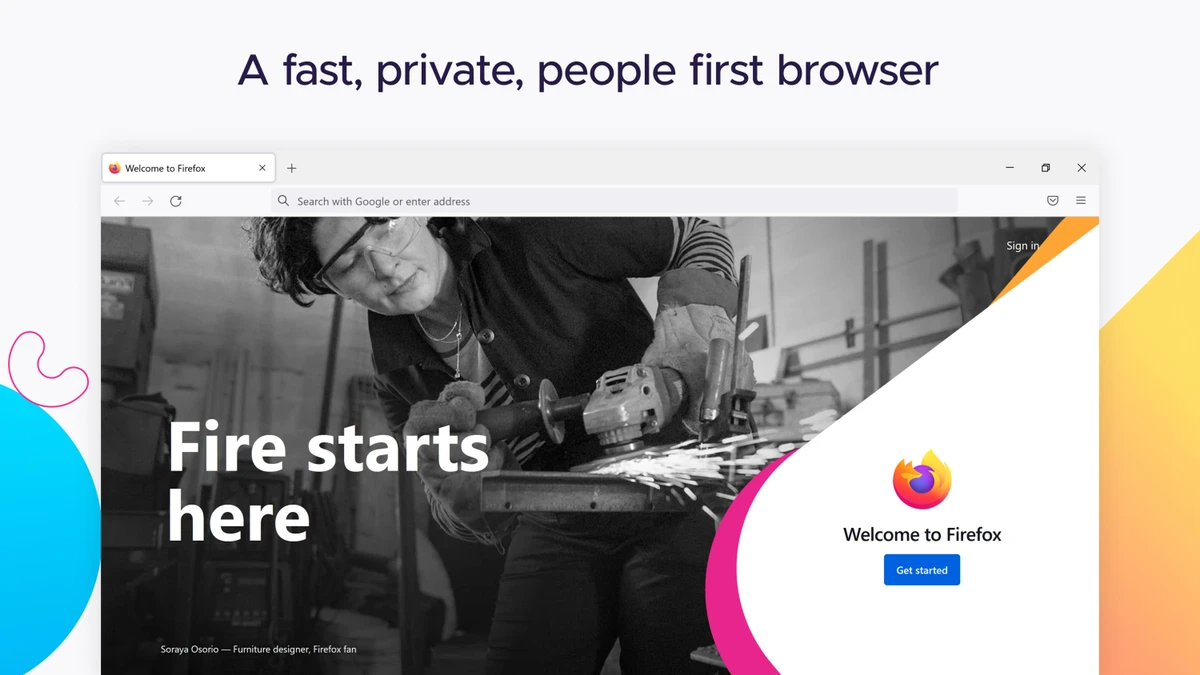

Mozilla Firefox is a fast, secure, and highly customizable web browser designed to deliver a smooth and privacy-focused browsing experience. Developed by Mozilla, it emphasizes user control, performance, and protection of personal data while offering a wide range of customization options through add-ons and themes. The browser is built to improve speed, reduce memory usage, and provide a more efficient way to access and interact with web content across multiple devices.
Thousands of Add-ons (little extras that augment Firefox to meet your unique needs) just waiting out there to help you do more, have more fun and be more creative online.
Mozilla Firefox keeps your personal info and your online interests away from the bad guys. Simply put, your security is our top priority. Choose from 5000 free extras to make your Mozilla Firefox browser look and function the way you want. An add-on can be a new time-saving toolbar button, a shortcut to search, a themed look, and more. Add-ons make browsing easier.
Mozilla Firefox Helps You Stay Safe
- Protect Your Privacy. When you browse, you leave a trail of data that potentially contains all sorts of personal information. We believe this info belongs to you and you alone (and least of all to overzealous advertisers), and have built in features to ensure that’s the case.
- Browse With Security. Whether it’s buying a gift, paying your bills or simply signing in to Facebook, it’s important keep your personal info out of the hands of any online bad guys who might be snooping around. Fortunately, Firefox is packed with advanced security features to help you stay safe.
- Stay In Control. The online world is always changing, which is why we give you easy-to-use tools to let you adapt and make smart choices as you go.
- It’s Part of Firefox Mission. Mozilla is a non-profit organization with the goal of making the Web better for everyone. We’re not trying to make money off our users – we just want you to have the best possible experience online, and that includes keeping you and your personal information safe and private.
Features of Mozilla Firefox
- Fast page loading and improved rendering performance
- Tabbed browsing for efficient multitasking
- Built-in pop-up blocking
- Strong privacy and security protection features
- Cross-device synchronization (bookmarks, history, tabs, passwords)
- Thousands of free add-ons and extensions
- Customizable themes (Personas)
- Advanced security tools to protect personal data
- Optimized JavaScript engine for web applications
- Hardware acceleration for smoother video and graphics
- Intuitive and customizable user interface
- Works across Windows 7, 8, 10, and 11
User Experience
After reviewing Mozilla Firefox, the browser delivers a smooth and responsive experience across everyday browsing tasks. Page loading is generally fast, and tab management feels efficient, even when multiple websites are open simultaneously. One of Firefox’s strongest advantages is its customization system. Users can modify nearly every aspect of the browser, from visual themes to functional extensions that add new capabilities such as productivity tools, shopping assistance, or enhanced privacy controls.
The add-on ecosystem significantly expands Firefox’s capabilities, allowing users to tailor the browser to their specific needs. This flexibility makes it suitable for both casual browsing and advanced workflows. Privacy and security are also central to the experience. Firefox includes built-in protections that help reduce tracking and safeguard personal data while browsing websites. These features operate in the background and require minimal user configuration.
Cross-device synchronization is another useful feature, allowing users to access bookmarks, history, and open tabs across desktop and mobile devices. This creates a more seamless browsing experience for users who switch between devices regularly. Overall, Firefox provides a balanced combination of speed, customization, and privacy, making it a strong alternative to other mainstream browsers.
Who Should Use Mozilla Firefox?
- Users who prioritize privacy and security
- People who want a highly customizable browser
- Students and professionals managing multiple tabs
- Users who need cross-device browsing sync
- Anyone seeking a fast and reliable alternative browser
Conclusion
Mozilla Firefox offers a fast, secure, and highly customizable browsing experience with strong privacy protections and extensive extension support. Its balance of performance and flexibility makes it a dependable choice for everyday web use.


