


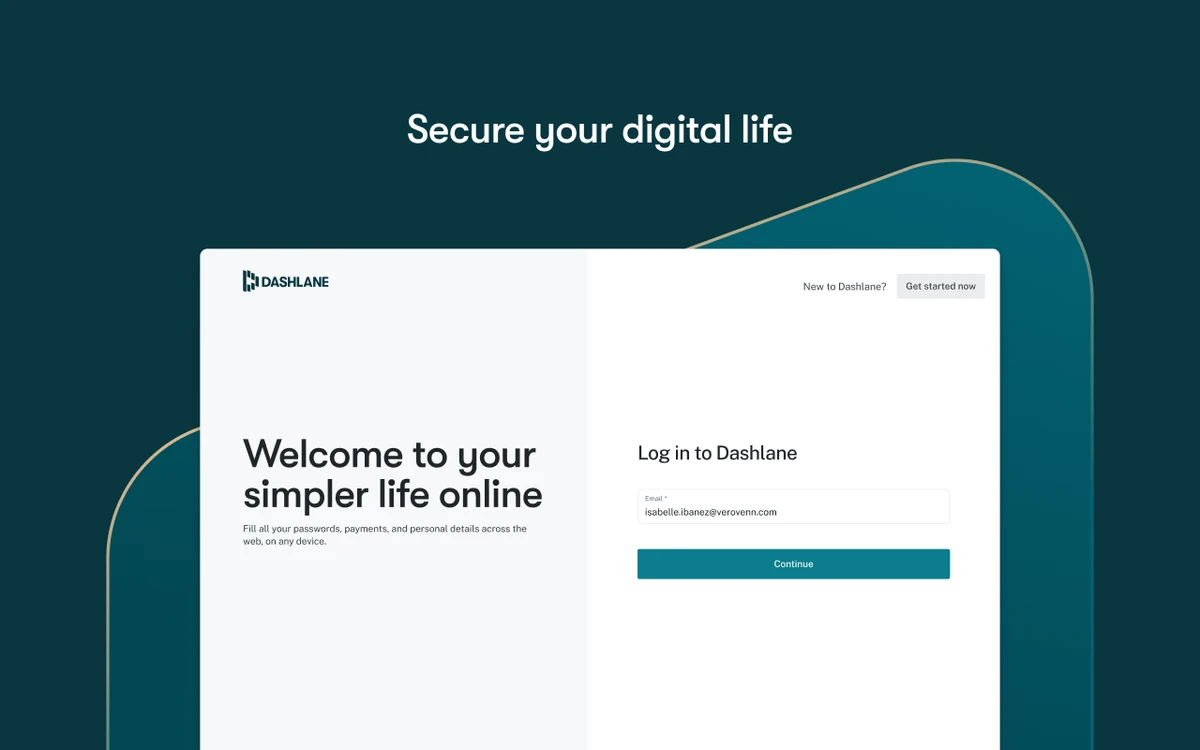

Dashlane is a password management and online security application designed to simplify and secure everyday digital logins. It allows users to store passwords safely, generate strong credentials, and automatically fill forms and payment details across websites.
Overview
Dashlane focuses on improving both convenience and security in online activity. It replaces manual password entry and form filling with automated tools that help users log in faster and reduce the risk of weak or reused passwords. The software acts as a secure vault for sensitive data such as login credentials, payment information, and personal details. It uses strong encryption to ensure that stored data remains private and protected from unauthorized access. In addition to password storage, Dashlane includes tools for password generation, security alerts, and optional advanced features such as VPN access and identity protection in premium plans.
Features of Dashlane
- Secure password storage and encryption
- Password generator for strong credentials
- Automatic login and form autofill
- Secure digital vault for sensitive data
- Cross-site and online checkout automation
- Security alerts for compromised passwords (premium feature)
- Dark web monitoring (premium feature)
- Secure file storage (premium feature)
- VPN access for safe browsing (premium feature)
- Cross-device password synchronization (premium feature)
- Identity protection and recovery support (premium feature)
- Simple and intuitive user interface
User Experience
Dashlane provides a smooth and user-friendly experience designed to reduce friction in everyday online activities. Once installed, it automatically captures login credentials and offers to store them securely for future use. Autofill functionality works across most websites, allowing users to log in or complete forms without manually typing information. This significantly speeds up routine tasks such as logging into accounts or completing online purchases.
The password vault is organized and easy to navigate, giving users quick access to stored credentials. Security alerts help users identify weak or reused passwords, encouraging better password hygiene. Premium features extend functionality further, offering tools like VPN access and identity monitoring for users who require enhanced digital protection. Overall, Dashlane balances ease of use with strong security practices, making it suitable for both casual users and those with higher security needs.
Who Should Use Dashlane?
- Users managing multiple online accounts
- People seeking stronger password security
- Professionals handling sensitive login data
- Users who want automatic form filling and login
- Anyone looking to reduce password-related risks
- Teams or individuals needing organized credential management
System Requirements
- Windows (supported versions vary by browser and app version)
- Web browser extensions (modern browsers supported)
- Mobile platforms (iOS and Android)
Conclusion
Dashlane is a powerful and user-friendly password manager that improves both convenience and security in everyday online activity. With features like autofill, encryption, and password generation, it helps users manage credentials efficiently while reducing security risks.


