


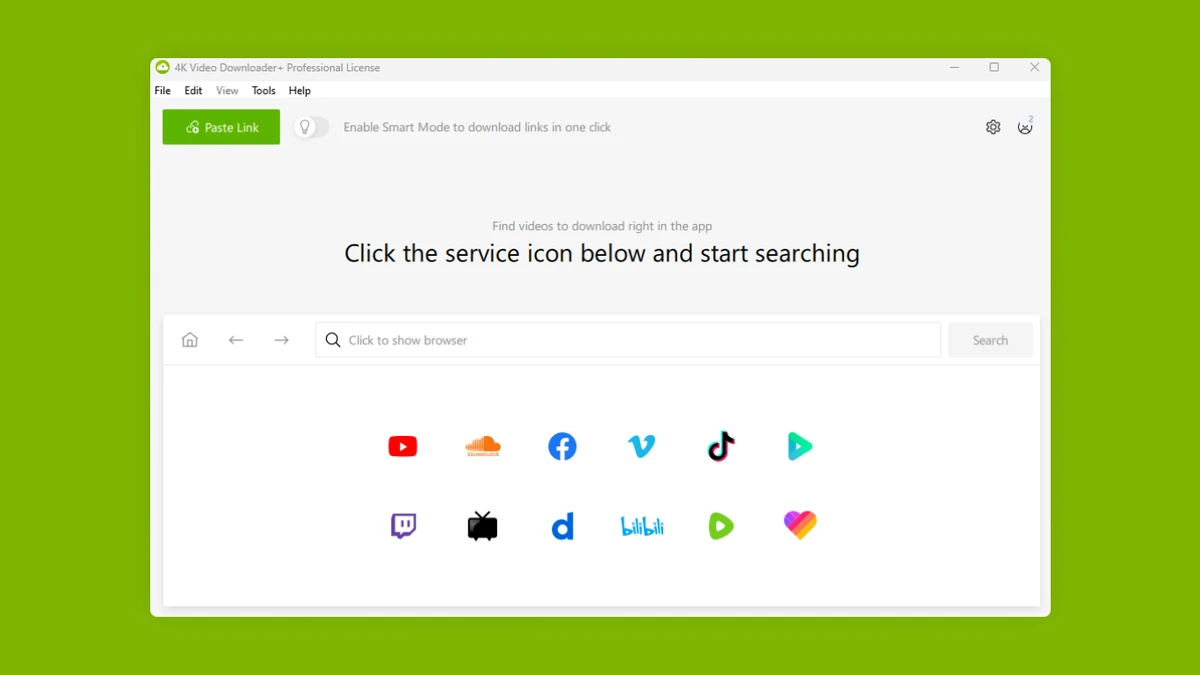

4K Video Downloader Plus is a cross-platform download manager designed for saving videos, audio tracks, playlists, channels, and subtitles from YouTube and several other popular media platforms. It offers a simple workflow and supports high-quality formats, making it suitable for users who want offline access to their favorite content.
After using 4K Video Downloader Plus, I found it to be a straightforward solution for downloading media from YouTube and other supported services. The process is simple: copy a link, paste it into the application, and let the software handle the rest. Beyond individual videos, it also supports playlists, channels, subtitles, and specialized content formats such as 3D and 360° videos. The software works on Windows, macOS, and Linux, which makes it convenient regardless of the operating system you prefer.
Features of 4K Video Downloader Plus
- Download videos, audio, and subtitles from YouTube.
- Save entire YouTube playlists and channels.
- Export playlists and generate .m3u files.
- Download videos in HD 720p, Full HD 1080p, and 4K quality.
- Save media in MP4, MKV, M4A, MP3, FLV, and 3GP formats.
- Download subtitles as .srt files or embed them into videos.
- Smart Mode automatically applies preset download settings.
- Support for 3D videos.
- Download and watch 360° videos.
- Subscribe to YouTube channels and automatically download newly uploaded videos.
- Download embedded YouTube videos from webpages.
- Support media downloads from Vimeo, SoundCloud, Flickr, Facebook, and Dailymotion.
- Compatible with Windows, macOS, and Linux.
User Experience
In daily use, 4K Video Downloader Plus feels intuitive and easy to navigate. I appreciated how quickly the software recognized pasted links and started processing downloads. The Smart Mode feature helped streamline repetitive tasks by applying the same settings automatically. Downloading playlists and channels was especially convenient because it eliminated the need to save videos one by one. Subtitle options were also useful, allowing me to choose between separate SRT files or embedded subtitles for easier playback. Support for 360° and 3D content adds flexibility for users interested in more immersive media formats.
Who Should Use 4K Video Downloader Plus?
- Users who want offline access to YouTube videos and audio.
- People who regularly download playlists or entire channels.
- Users who need subtitle support.
- Content collectors looking for support across multiple media platforms.
- Windows, macOS, and Linux users seeking a consistent downloading experience.
Conclusion
4K Video Downloader Plus delivers a simple and efficient way to download videos, audio, playlists, and subtitles from YouTube and several other supported platforms. Its support for high-resolution downloads, automatic channel subscriptions, and cross-platform compatibility make it a practical choice for users who frequently save online media for offline viewing. If you need a dedicated media downloader with an easy workflow, 4K Video Downloader Plus is worth considering.


