


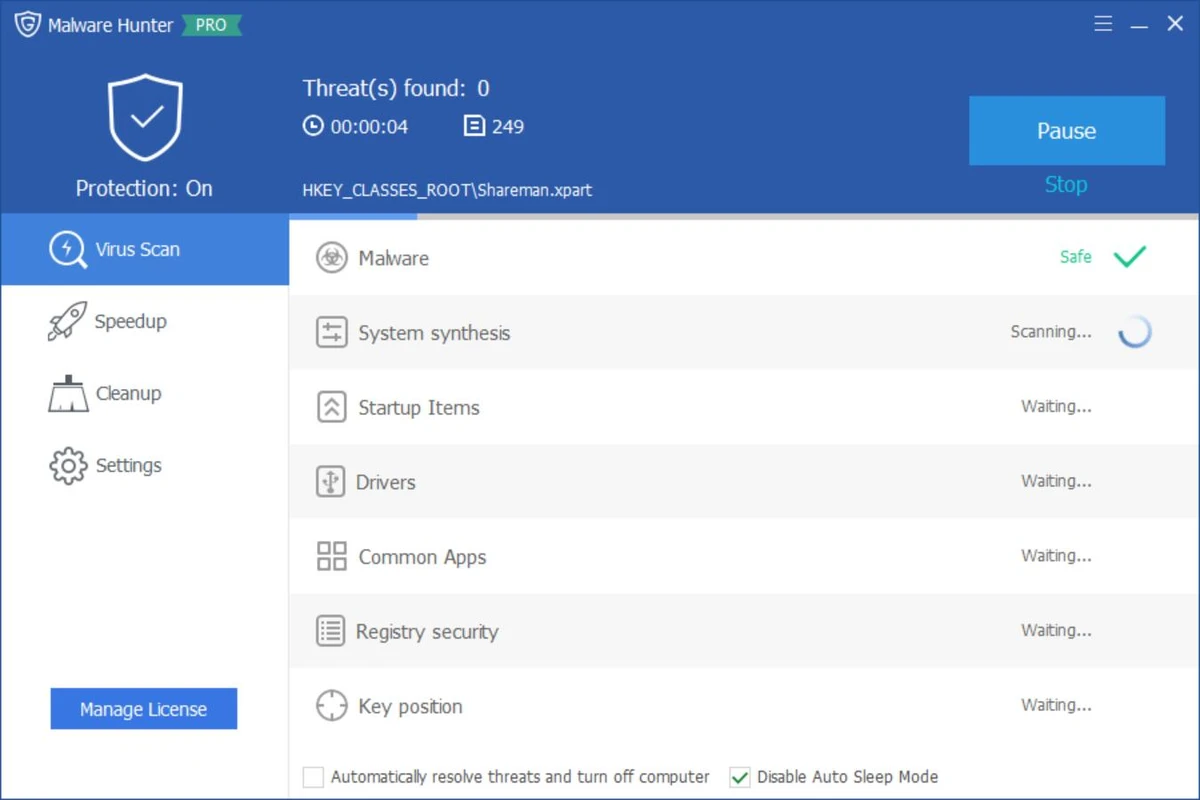

Glary Malware Hunter is a Windows security utility designed to detect and remove malicious files and components from a system. It provides on-demand scanning capabilities to help users identify threats such as viruses, trojans, spyware, worms, and other potentially harmful software. In addition to malware detection, the tool also includes basic system optimization features such as disk cleanup and performance improvements, making it a hybrid security and maintenance utility for Windows users.
Features of Glary Malware Hunter
- On-demand malware scanning for system files and folders
- Detects and removes malicious software including:
- Viruses
- Trojans
- Worms
- Spyware
- Other online threats
- Quick and deep scan modes for flexible analysis
- Scheduled scanning support
- Process protection against malicious activity
- Disk cleanup functionality to remove temporary and unnecessary files
- System optimization tools to improve performance
- Helps free up disk space by removing junk files
- Lightweight interface designed for ease of use
User Experience
Glary Malware Hunter provides a straightforward and accessible interface focused on quick malware scanning and removal. Users can initiate system-wide scans or target specific files and directories, making it suitable for both general maintenance and focused threat detection. The scanning process is designed to be relatively fast while still covering critical areas of the system where malware commonly resides. Scheduled scanning helps automate protection, reducing the need for manual intervention.
Beyond security, the tool also includes performance-oriented features such as disk cleanup and system optimization. These tools help remove unnecessary files and improve system responsiveness, though they are secondary to its core malware protection functionality. Process protection adds an additional layer of defense by monitoring and safeguarding the system against potentially harmful activities during runtime. Overall, the experience is simple and functional, making it suitable for users who want a lightweight security tool without complex configuration.
Who Should Use Glary Malware Hunter?
- Users looking for a secondary malware scanning tool
- Windows users wanting on-demand virus removal
- People needing a lightweight security utility
- Users who want basic system cleanup alongside malware scanning
- Those seeking an easy-to-use alternative security tool
Conclusion
Glary Malware Hunter offers a simple yet effective approach to malware detection and system cleanup. With its focus on on-demand scanning, scheduled protection, and basic optimization features, it serves as a useful companion tool alongside a primary antivirus solution.


